New article up: Fun With Audio Players
Fun With Audio Players
***PLEASE SEE – Fun With Audio Players – 2015***
“Everyone talks about rock these days; the problem is they forget about the roll.” Keith Richards
The last several years whenever anyone brings up which audio player software to use, the focus seems to be on low resource usage.
I’m guilty of it too.
I’ve been getting back into having a little fun listening to music on the computer.
I thought I would post an article on this topic. This article is really a collection of screen shots and links.
Hopefully you’ll see something you like and check out some of the links.
For those new to this topic. Many audio players have two things you can do to the interface: skin it, and add a plugin.
Skins change the look of the interface. Plugins can add sound and visual enhancements.
Some of the screen shots are large so I’ve thumbnailed them. Click on the small pic for a larger one.
Load up your current audio player with your favorite tunes, put on your rock-n-roll shoes, grab an adult beverage and check out the screen shots.
The order is kinda by popularity, except my 2 favorites are last.
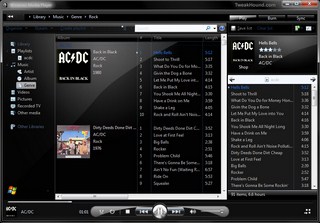
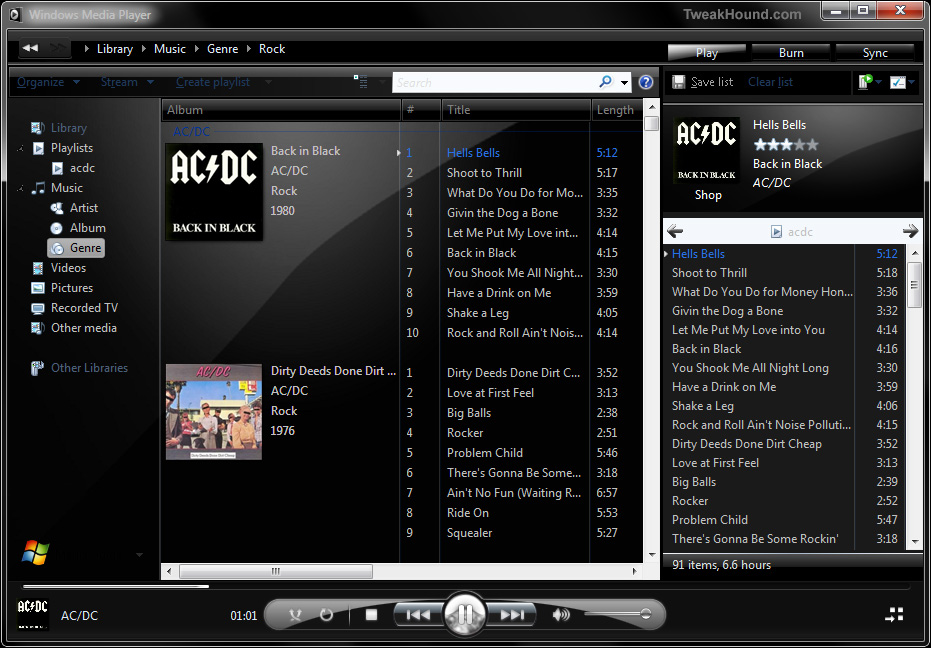
1 – Windows Media Player 12
WMP 12? Yup, you can skin it. WMP 12 skins here, other WMP versions here.
(click image for larger pic)
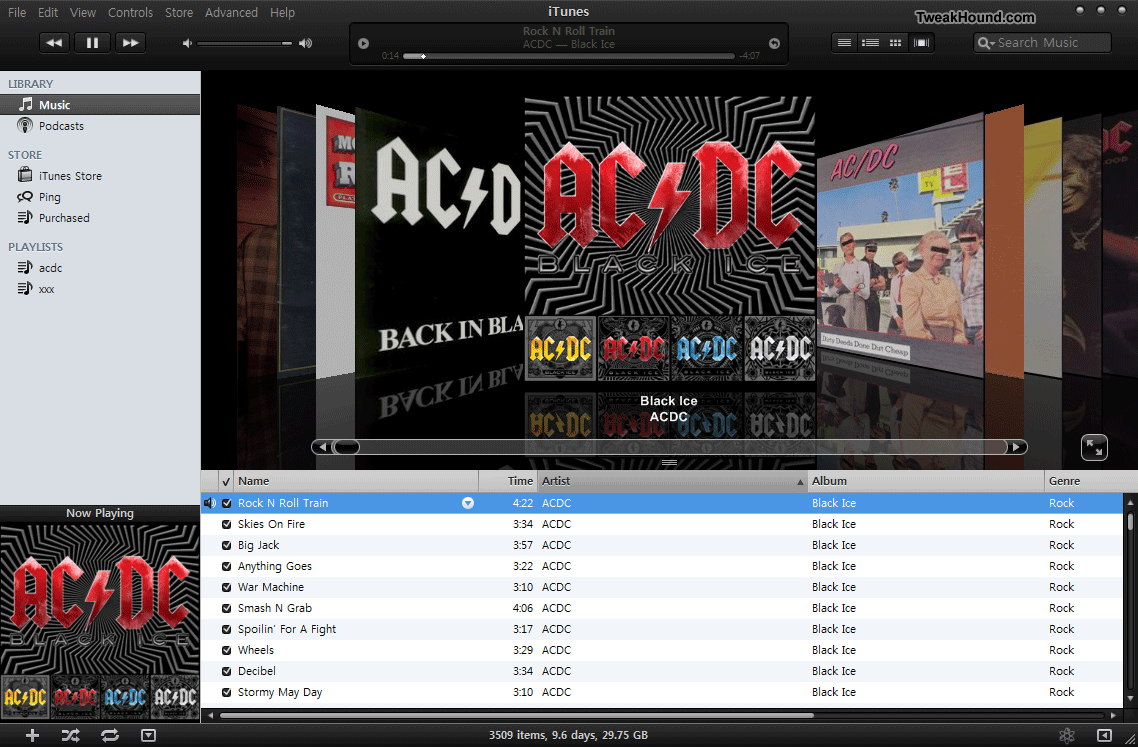
2 – iTunes
Snaz up the cruddy interface. iTunes skins here. (make sure the skin corresponds to the version of iTunes your are running).
(click image for larger pic)
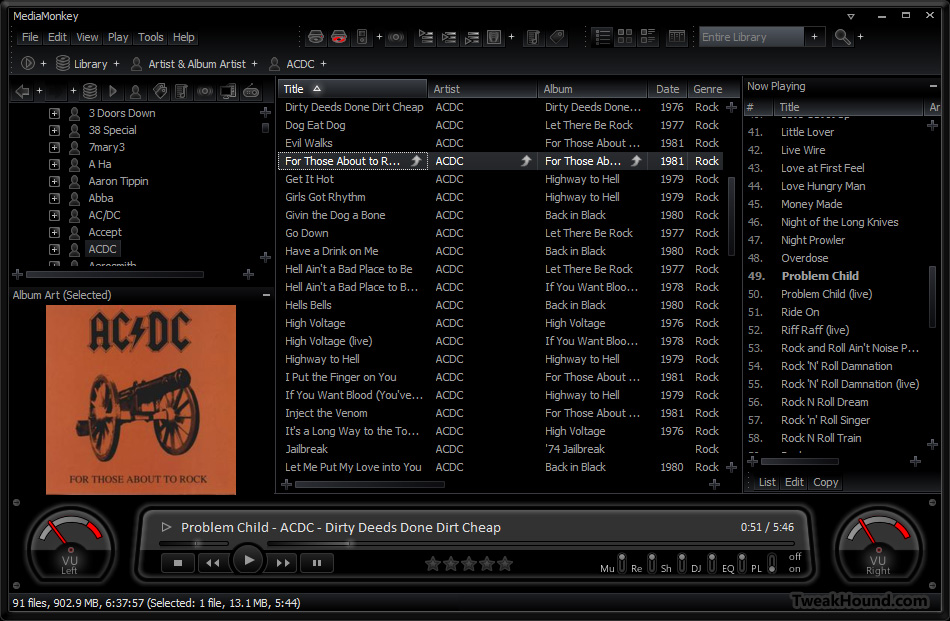
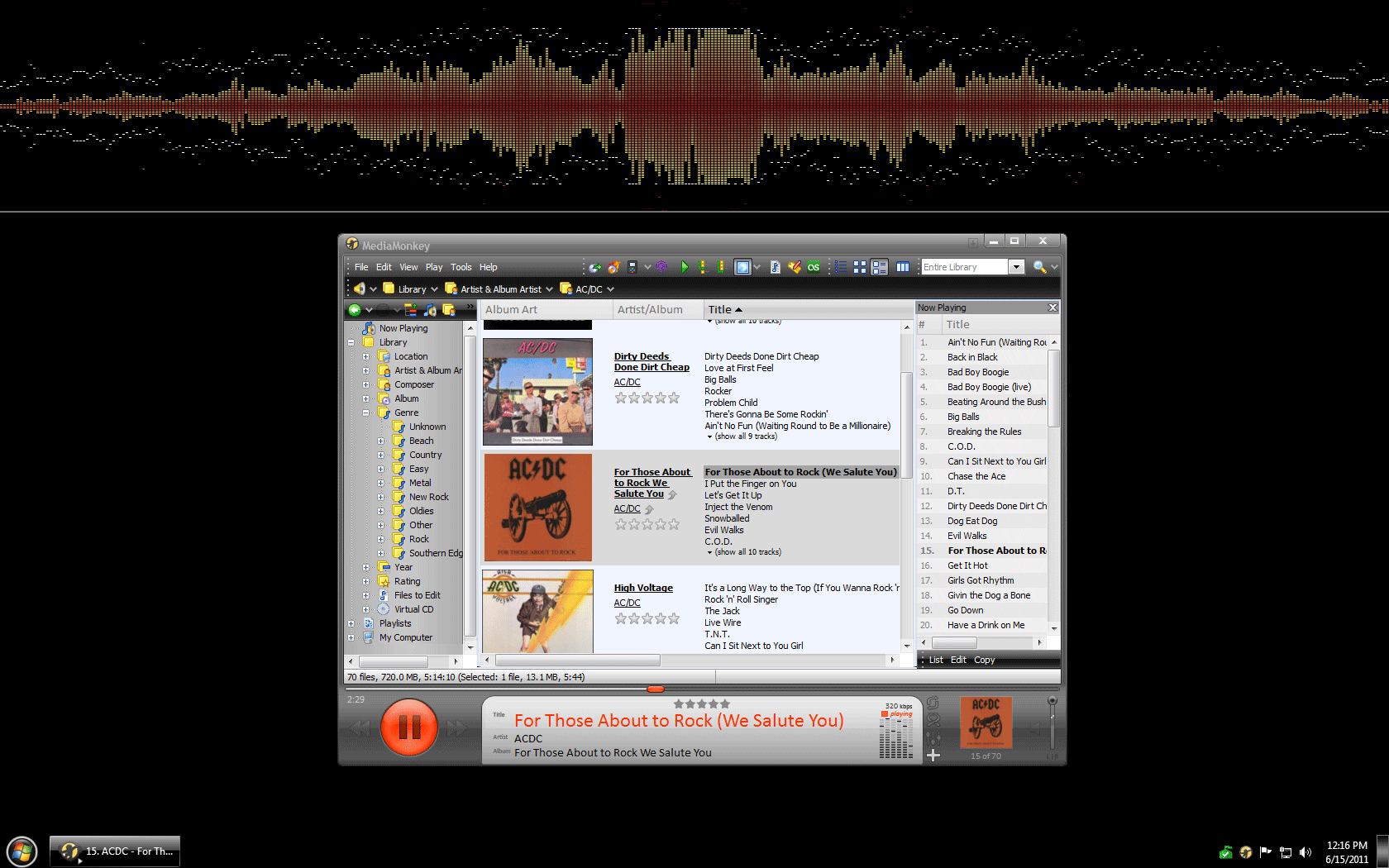
3 – MediaMonkey
Skins available here.
Vision VU skin (click image for larger pic)
You can even add some Winamp plugins. (click image for larger pic)
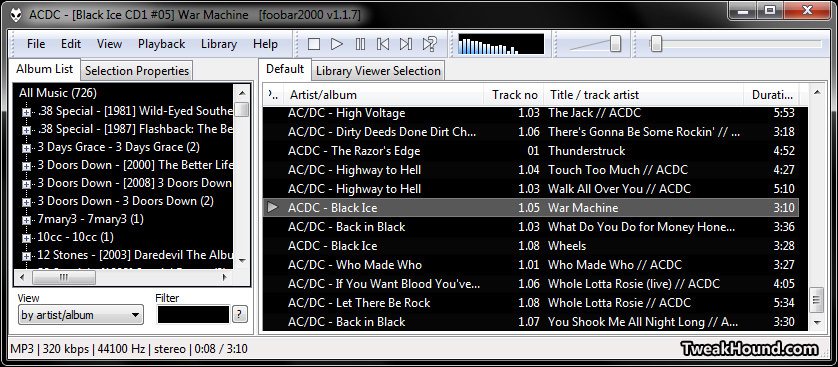
4 – Foobar
Skins here.
Default screen. Nasty!
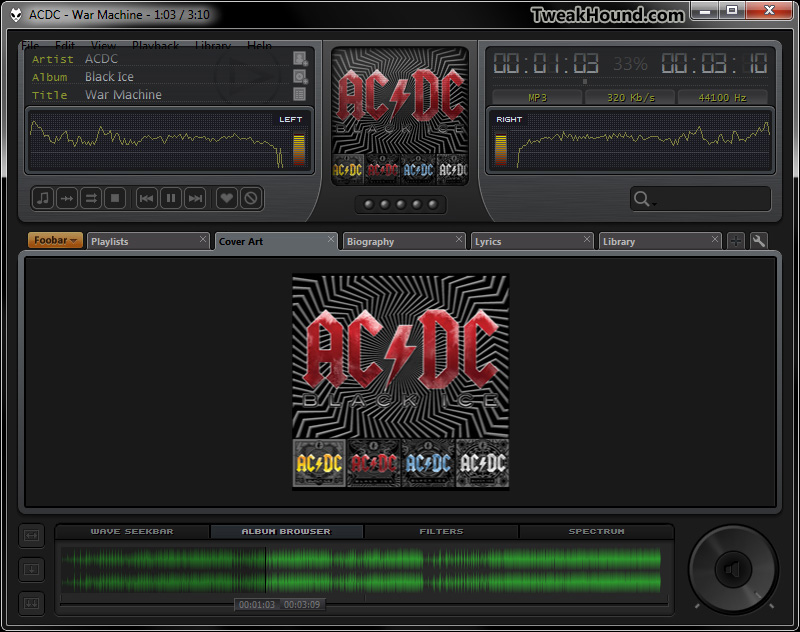
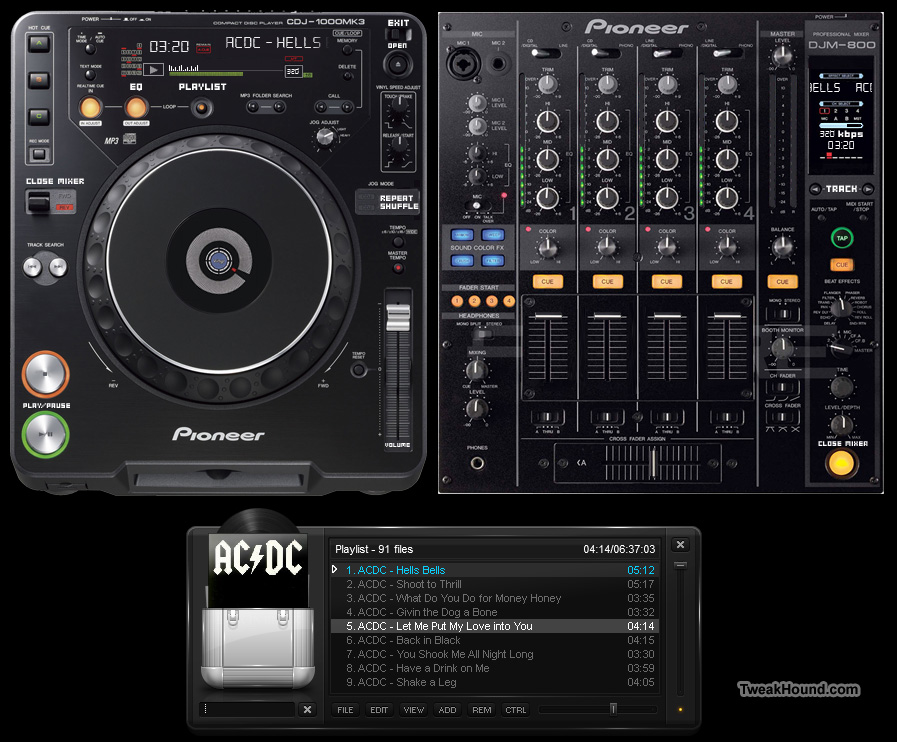
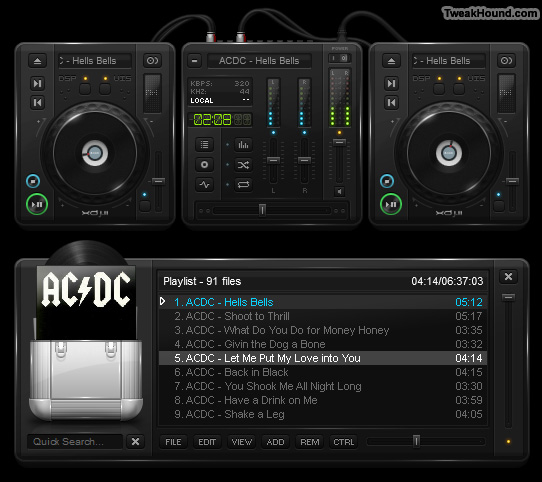
5 – Xion
Skins here.
Default screen.
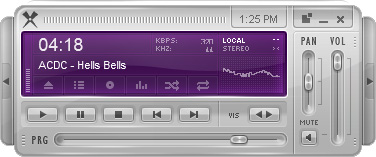
CDJ 1000 skin (click image for larger pic)
MY FAVORITES
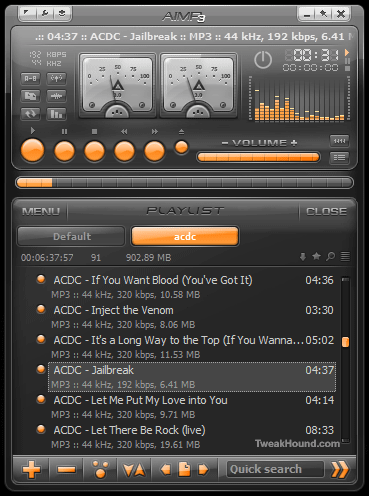
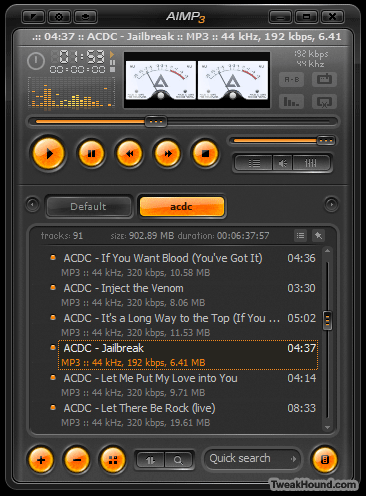
Runner-Up: AIMP3
Sleek, beautiful, compact, and fast.
Currently in Beta. Original AIMP2 page (U.S.). Russian page (Translated by Google) with updated Beta info and downloads.
My Favorite: Winamp
Yes the “old” and much maligned Winamp.
Why? Switch between modern and classic skins, plugins galore, Android for Winamp w/ syncing…
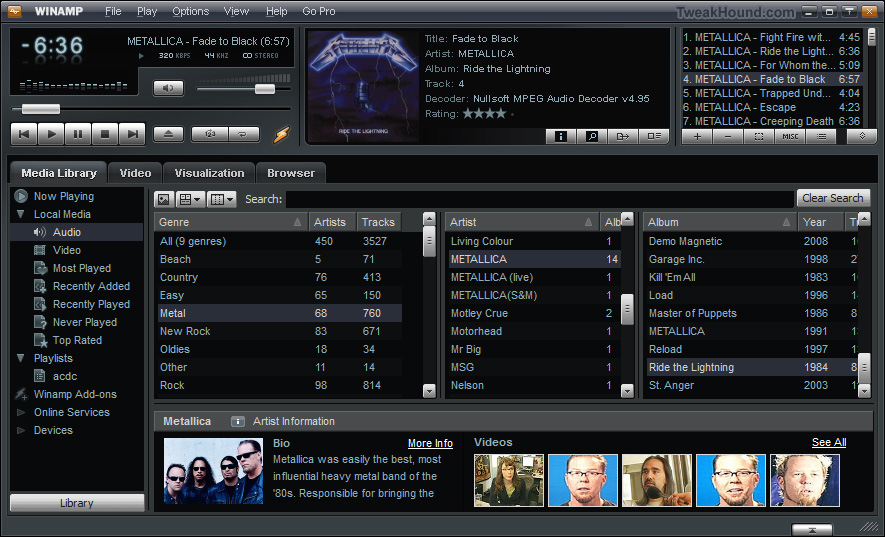
The default skin with all the modern features. (click image for larger pic)
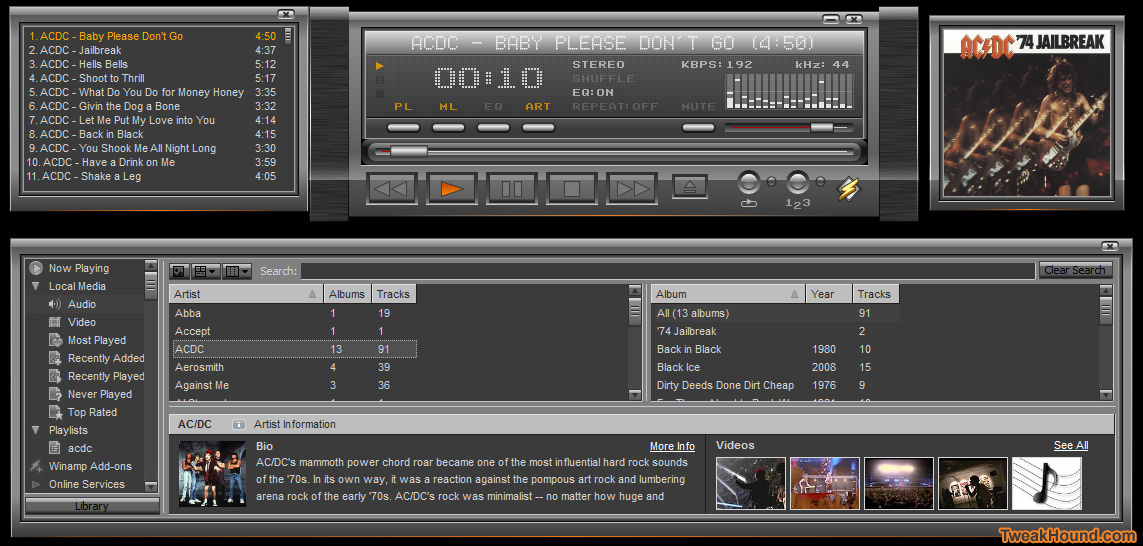
Modern skin Quinto. (click image for larger pic)
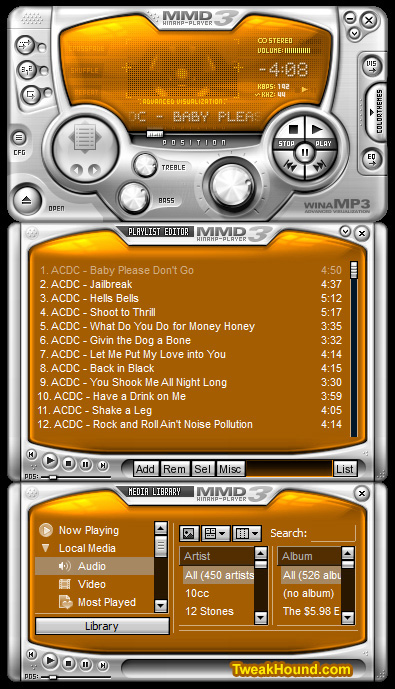
Winamp skin MMD3. It’s colorizable!
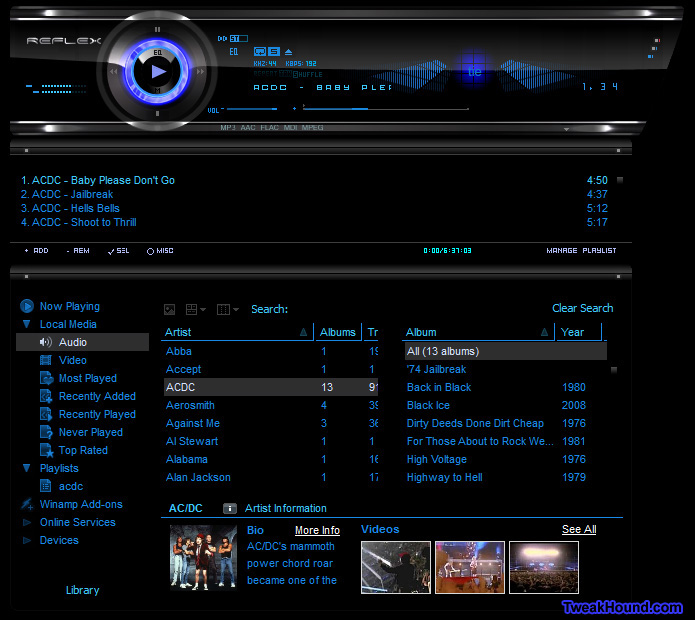
Winamp skin S7Reflex.
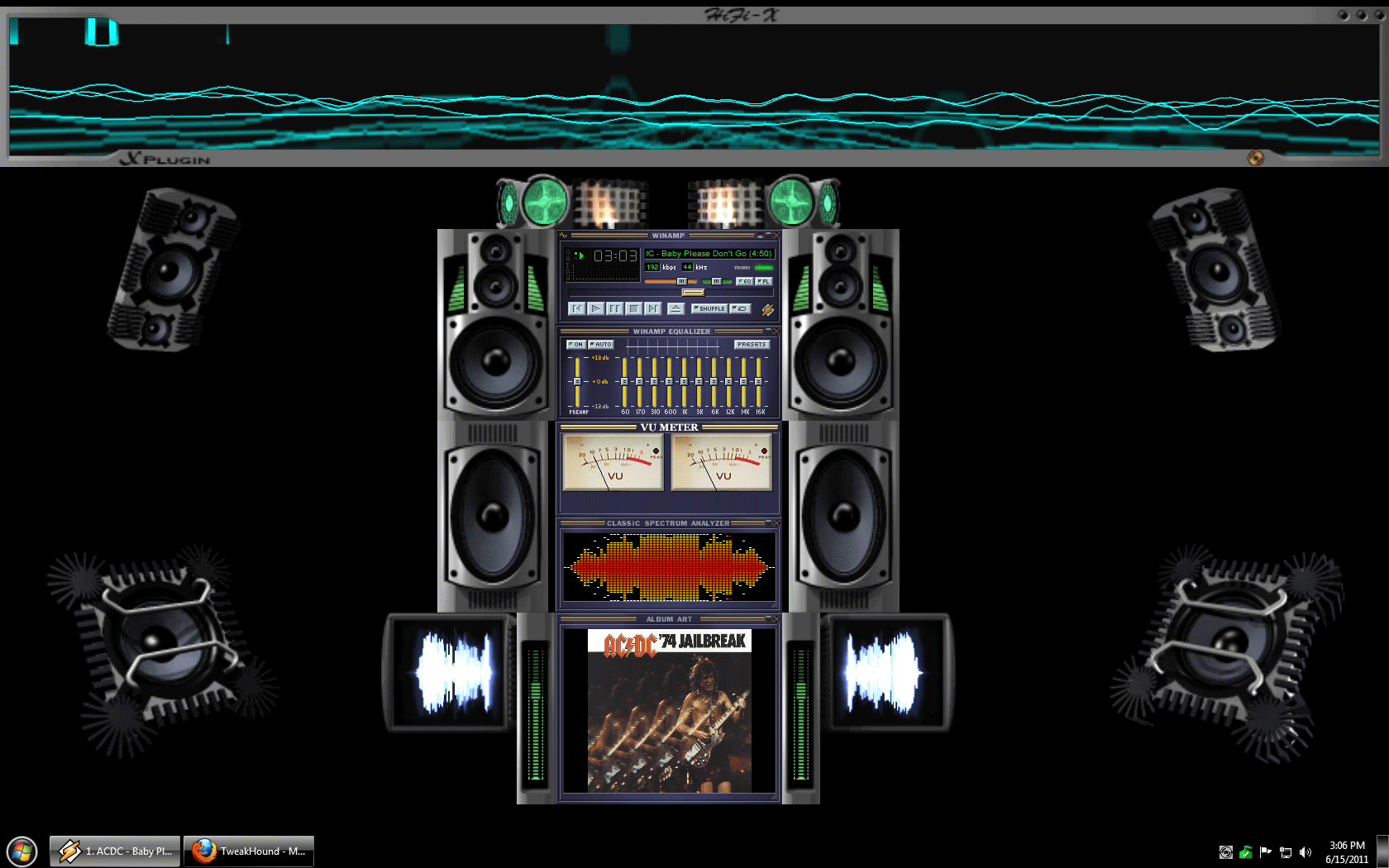
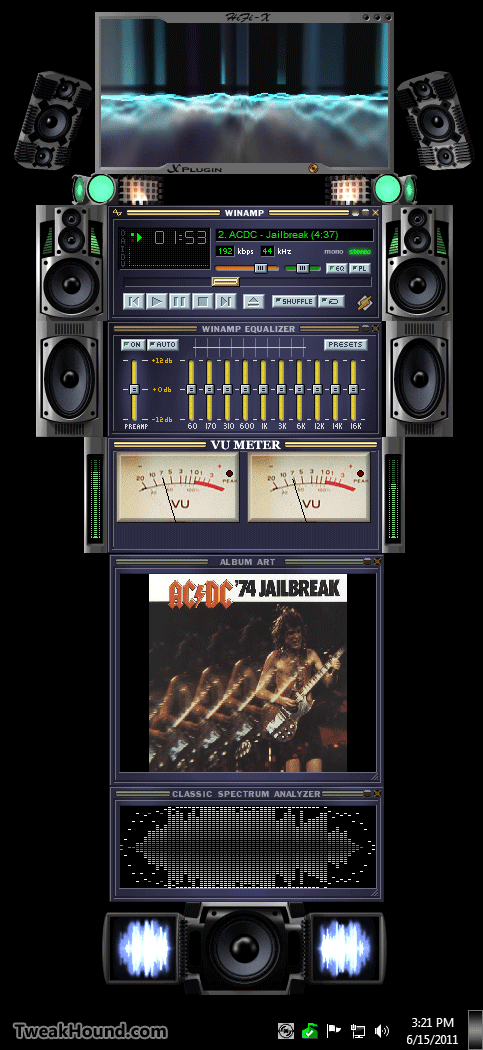
Now for my favorite Winamp setup:
– Classic skin
– I use the Vizualisation Mux plugin. It allows me to run all the plugins below (tip: configure each plugin before adding to and running this one)
– X-Plugin
Full screen (click image for larger pic)
Sidebar style.
Hope you have some fun listening to music too!