 “Everyone talks about rock these days; the problem is they forget about the roll.” Keith Richards
4 years ago I wrote a popular article called Fun With Audio Players. That version contained a variety of audio player programs. Since folks asked about my Winamp setup from here I thought I would re-do that article. This version only contains the 2 audio players I use for listening to music:
AIMP3
Winamp
AIMP3
AIMP3 is a fantastic music player. The developers are based in Russia and a number of folks seem put off by this. I’m not sure if it is a language thing or something else. Anyway, I love this program because aside from the fact it has every feature you need there are some absolutely rockin’ skins.
AIMP3 home page
AIMP3 Skins
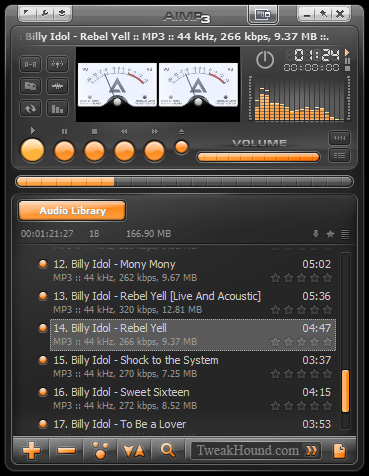
Default Skin (Pandemic)
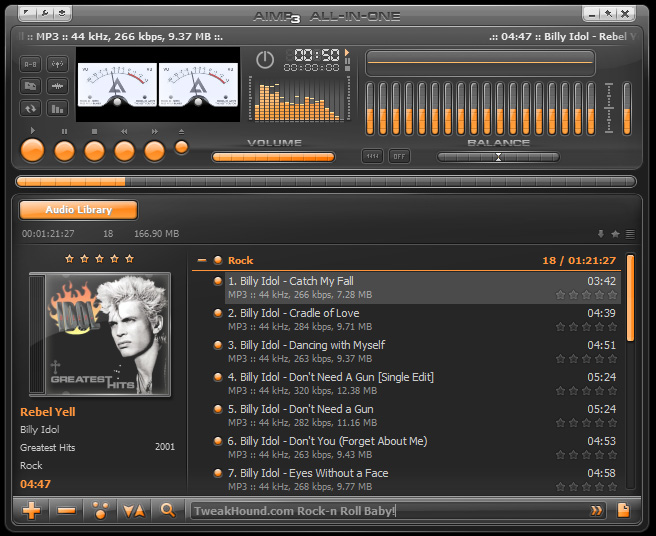
Default All-In One (Pandemic AIO Simple)
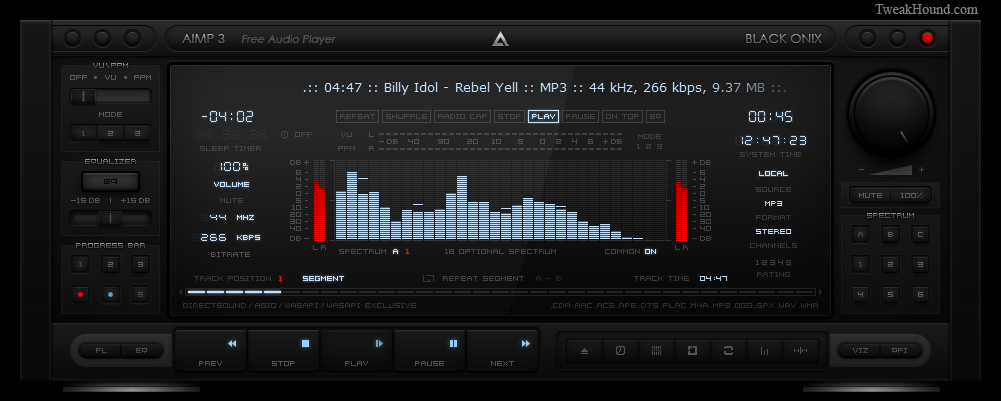
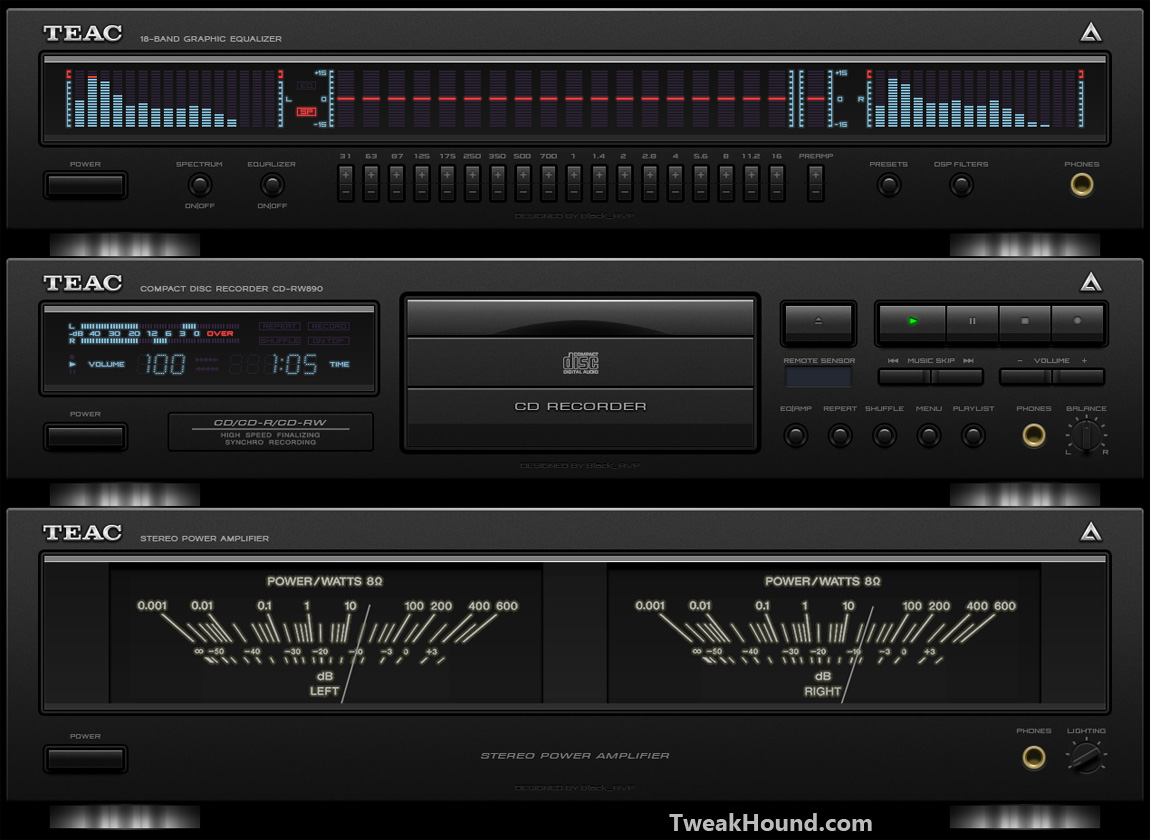
Some of my favorite skins. As you can see I like the hi-fi look:
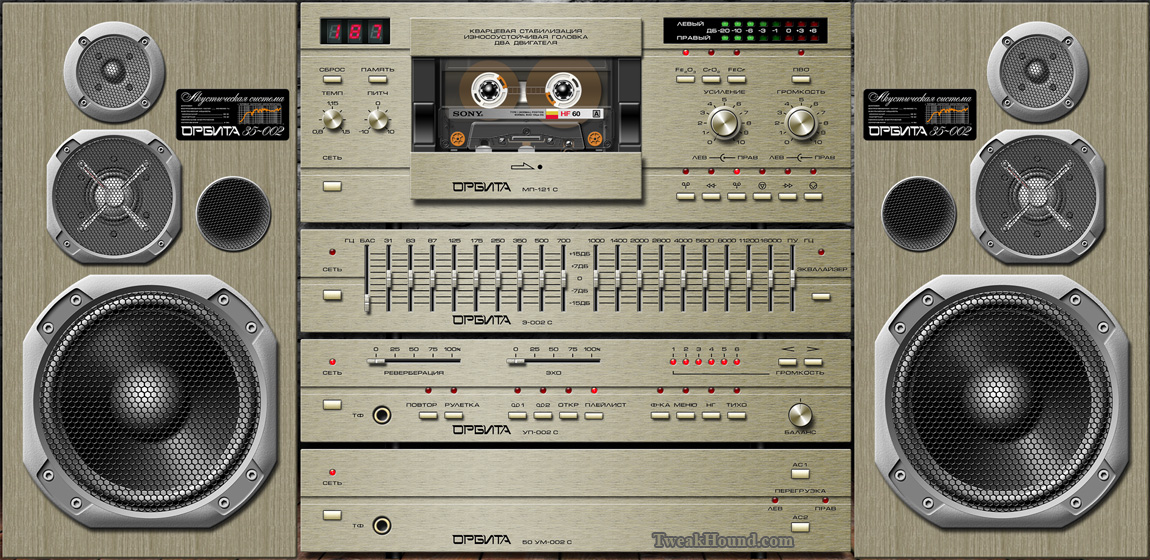
Orbita-002 C v1.2. This is for high resolution displays.
Winamp
Yeah, I know the project is “suspended”. I know it’s old. I know it’s passé. You know what else it is?
Still fracking awesome! All the old skins and plugins are still around. Many of them you will have to Google for.
Here are all the links I have (Winamp 5.666 build 3516 is the last official version):
Winamp forum
See this forum post for updates.
Winamp at Wikipedia
Winamp 5.666 Full (US English version)
Winamp 5.666 Full (Multi-national installer)
Winamp 5.666 Lite (basic 2.x-style mp3/cd player)
Update Patches – for Winamp 5.666 build 3516
Old versions of Winamp
TweakHound’s Winamp Downloads
All the files below are here: https://www.mediafire.com/folder/71nfizofbavie/TweakHounds_Winamp_Stuff
classic_base_skin_cursors.zip
ExpensiveHi-Fi.wsz
ExpensiveHiFiOrigGreenMod.wsz
ExpensiveHiFiOrigGreenMod.zip
ExpensiveHiFiSony_DFX_skin.zip
TweakHounds_Fav_Winamp_Plugins.zip
winamp5.51_classic_base_skin.zip
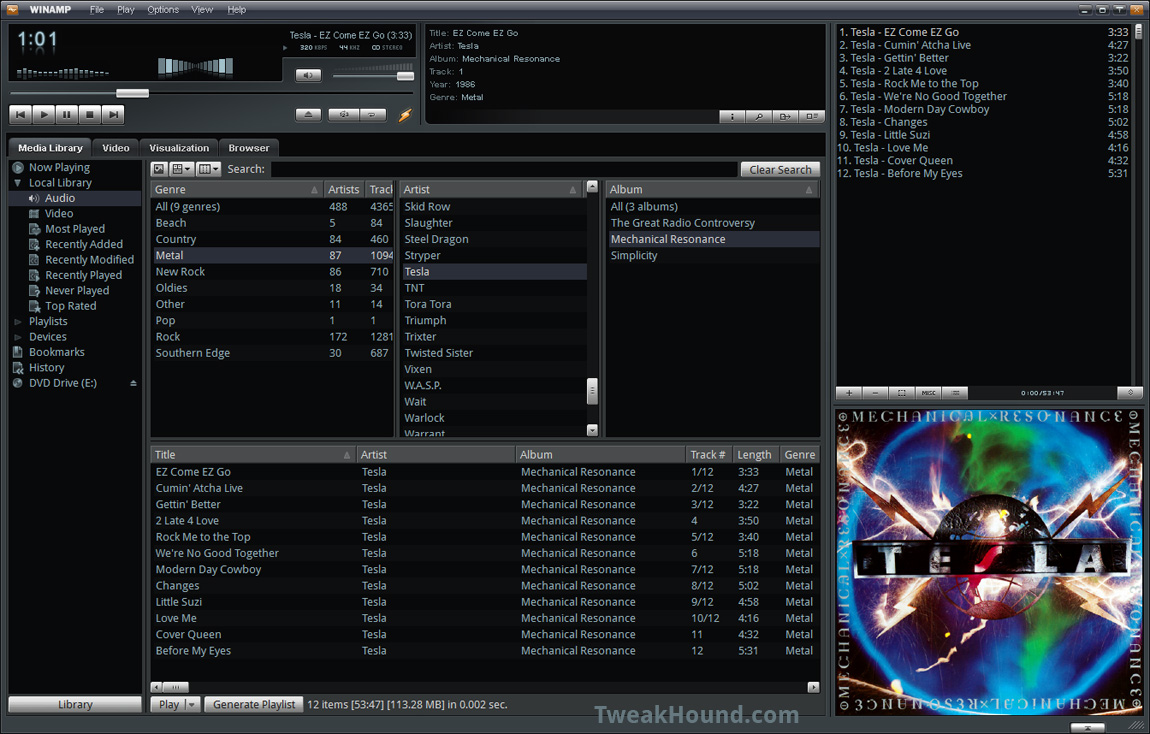
Here is the default Big Bentoo skin:
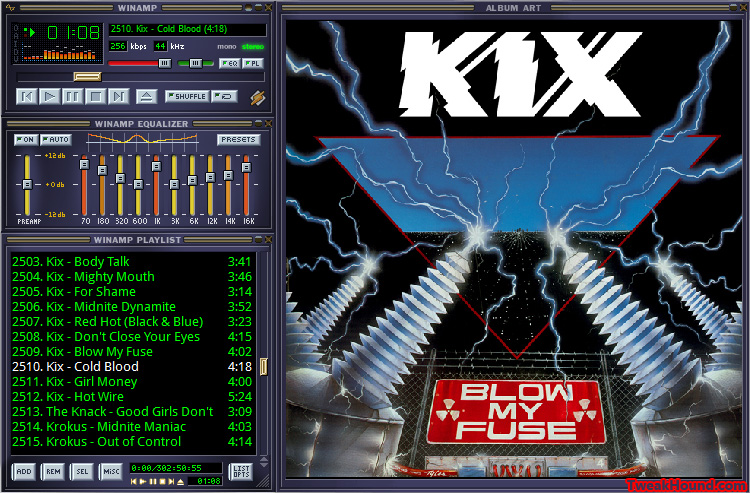
Here is the default Classic skin:
Here is the skin I’ve modded with all my plugins running:
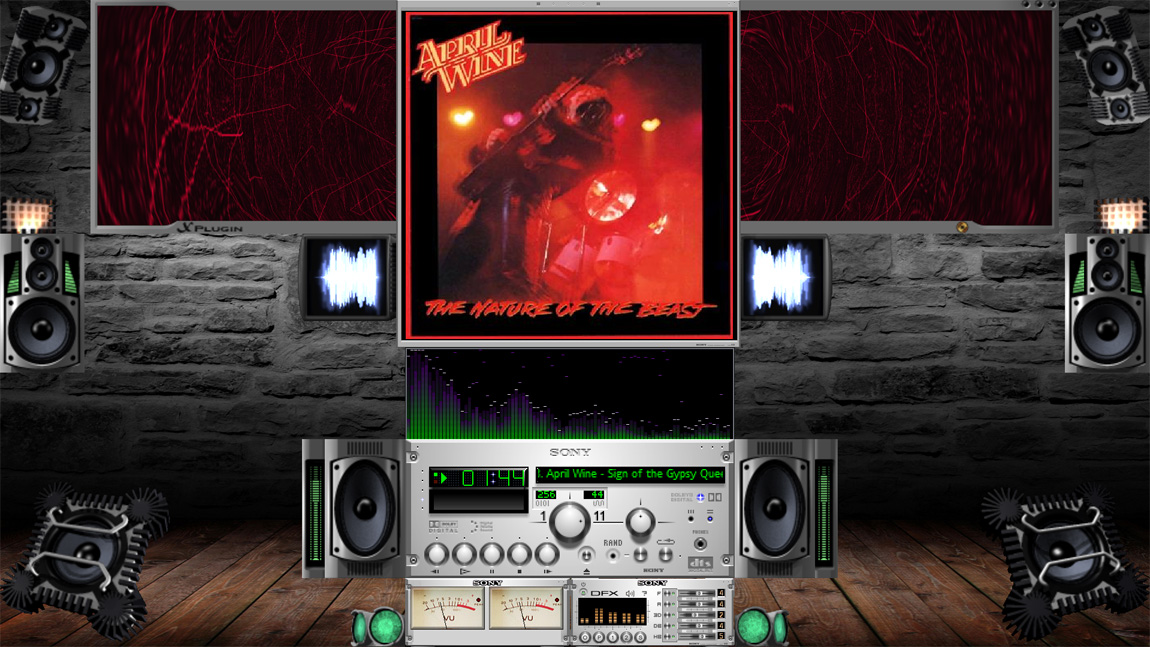
Same as above with plugin description:
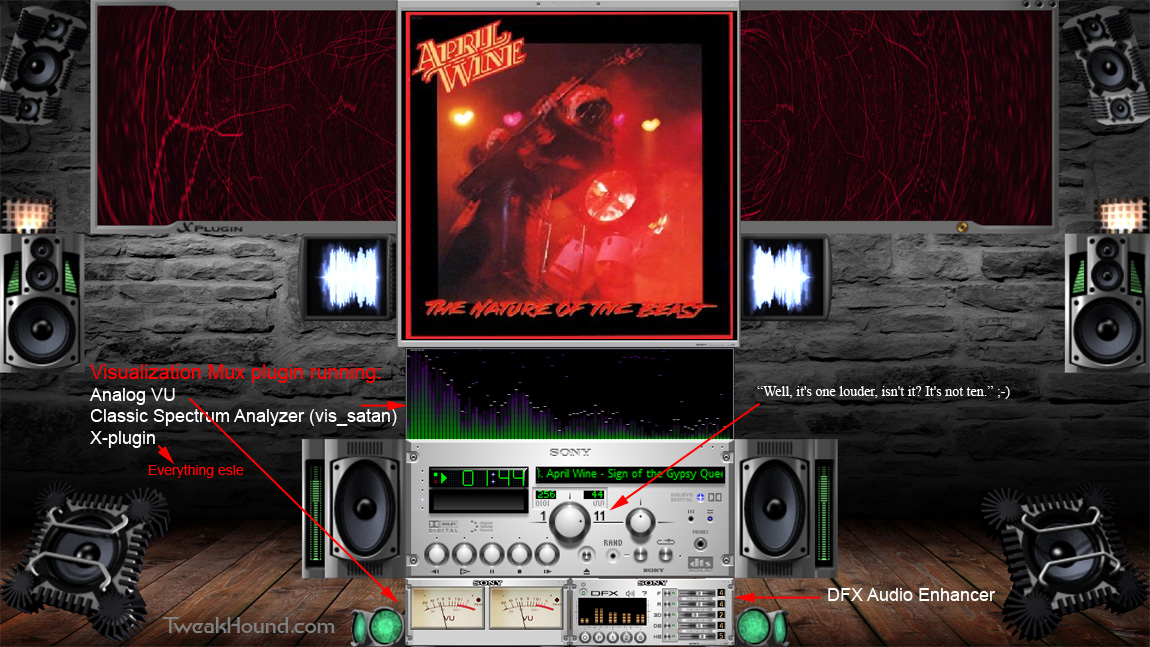
Now I’ll tell you how to get yours looking like the screens above.
First I want to make absolutely clear that these plugins are not mine. I’ve modified them to look and act as I desire.
What I did was mod:
1 – ExpensiveHi-Fi skin- changed text and cursors back to default (from purple/animated to green/standard).
Also, “The numbers all go to eleven. Look, right across the board, eleven, eleven, eleven and…” 😉
2 – Stereo Analog VU Meter – Modded look by photoshopping it to look like ExpensiveHi-Fi.
1 – Download TweakHound’s Winamp Downloads from above and extract.
2 – Copy ExpensiveHi-Fi.wsz and ExpensiveHiFiOrigGreenMod.wsz to your Winamp skins folder:
64-bit Windows: C:\Program Files (x86)\Winamp\Skins
32-bit Windows: C:\Program Files\Winamp\Skins
3 – Extract TweakHounds_Fav_Winamp_Plugins.zip.
Copy everything from the TweakHounds_Fav_Winamp_Plugins folder to your Winamp plugins folder:
64-bit Windows: C:\Program Files (x86)\Winamp\Plugins
32-bit Windows: C:\Program Files\Winamp\Plugins
4 – Open Winamp. Go to Options > Skins > Classic Skins > choose ExpensiveHiFiOrigGreenMod
5 – Go to Menu (right-click the top of Winamp) > choose Double Size (optional – hide/uncheck Equalizer, playlist, library and show/check Album Art)
6 – Go to Menu (right-click the top of Winamp) > Visualizations > Select plug-in > click on Vis_mux Visualization Mux v1.24 and then click the Configure button.
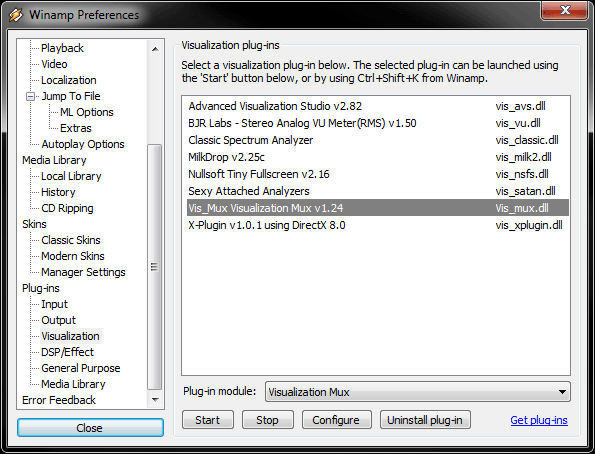
add vis_satan.dll, vis_vu.dll, and vis_xplugin.dll
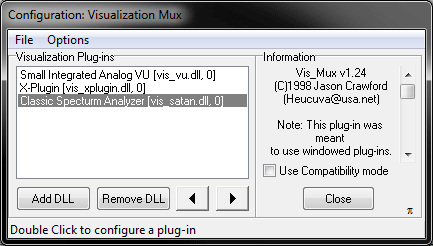
Drag stuff around as you see fit. All the plugins are highly customizable. There are just too many options for me to cover.
DO NOT configure while music is playing. This causes crashes on my box.
The little thing labled DFX is DFX Audio Enhancer with ExpensiveHiFiSony skin. It will not remember its position. I wrote their tech support about it and they blew me off.
Wallpaper I used: https://www.dropbox.com/s/n0eoyigumssyq78/brickwall2.zip?dl=0
– END –