
Winamp
I’ve always loved Winamp and it’s pretty much been my main Windows music player since the late 90’s.
Originally developed by Nullsoft, Winamp was sold to AOL in 1999 and then to Radionomy in 2014.
Winamp basically ceased official meaningful development in late 2010 with version 5.666 but the basics like music playback still work on Windows to this day. In fact, I’ve heard a number of people claiming versions 2 or 3 still do what they want it to do in Windows 10 (unverified). In the fall of 2018, Winamp 5.8 beta was officially released in response to a leaked version. It contains a number of fixes and improvements. There has been nothing heard about Winamp development except rumors since then.
Enter DrO
The WinAmp Community Update Project (WACUP) is an effort by former Winamp developer Darren “DrO” Owen. Based on the last non-beta version of Winamp, it’s aim is “to provide bug fixes, updates of existing features and most importantly new features with the goal to eventually become it’s own highly Winamp compatible media player.”
I asked Mr. Owen a few questions via PM in the WACUP forums for this article.
DrO started making Winamp plugins in 2003 and had made over 60 by 2013. He was hired as a contractor to work on Winamp 5.5 and “again in late 2010 to work on SHOUTcast (primarily) & Winamp until AOL sold it in January 2014 with the 5.66/5.666 releases primarily just myself as the remaining dev. I then worked for the new owners (again as a contractor) primarily on SHOUTcast but had been doing some work on Winamp until development on it was halted on June 2014 & my time with them ended in September 2015.”
A while later after chatting with some old beta testers, DrO started, “updating some of my plug-ins again & make what could be a new version of the Winamp Essentials Pack (WEP) which had been going for a few years prior & was made up of a number of my plug-ins.”
DrO continued, “From that the intention was for WACUP to be a more complete plug-in pack to the prior incarnation & to try to offer some form of update when it was obvious there wasn’t really going to be anything proactively done related to Winamp.
It became apparent around the middle of 2018 that things were going more towards making a Winamp compatible replacement than just being a souped up plug-in pack which is when the P for WACUP changed from Pack to Project & that’s still the intention with 2021 hopefully removing the requirement for even having to make use of Winamp’s core to run.”
DrO continues his impressive work with over 80 builds since WACUP’s initial release. I’ve contacted him on several occasions trying to figure out how to use some very, very old plugins and he has been generous with his time. I am a beta tester for WACUP, the only thing I beta test anymore.
Using WACUP
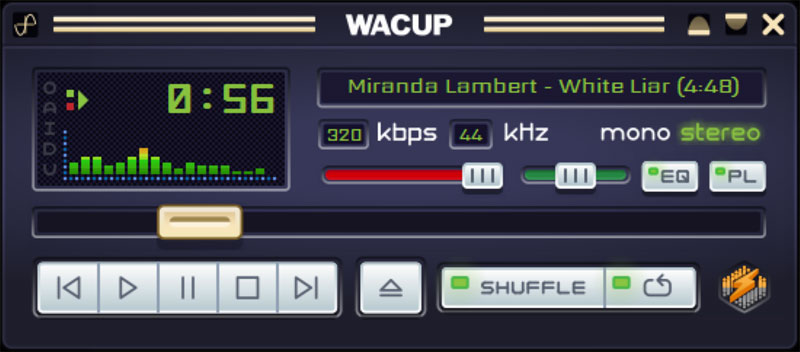
WACUP is a “media player”. It is designed to play back audio and video as well as handling podcasts and streaming.
For me, Winamp and now WACUP is my music player. I run it in various incarnations on different machines.
On my main rig it is for simple playback, light audio analyzing, and for creating and organizing playlists for my other machines.
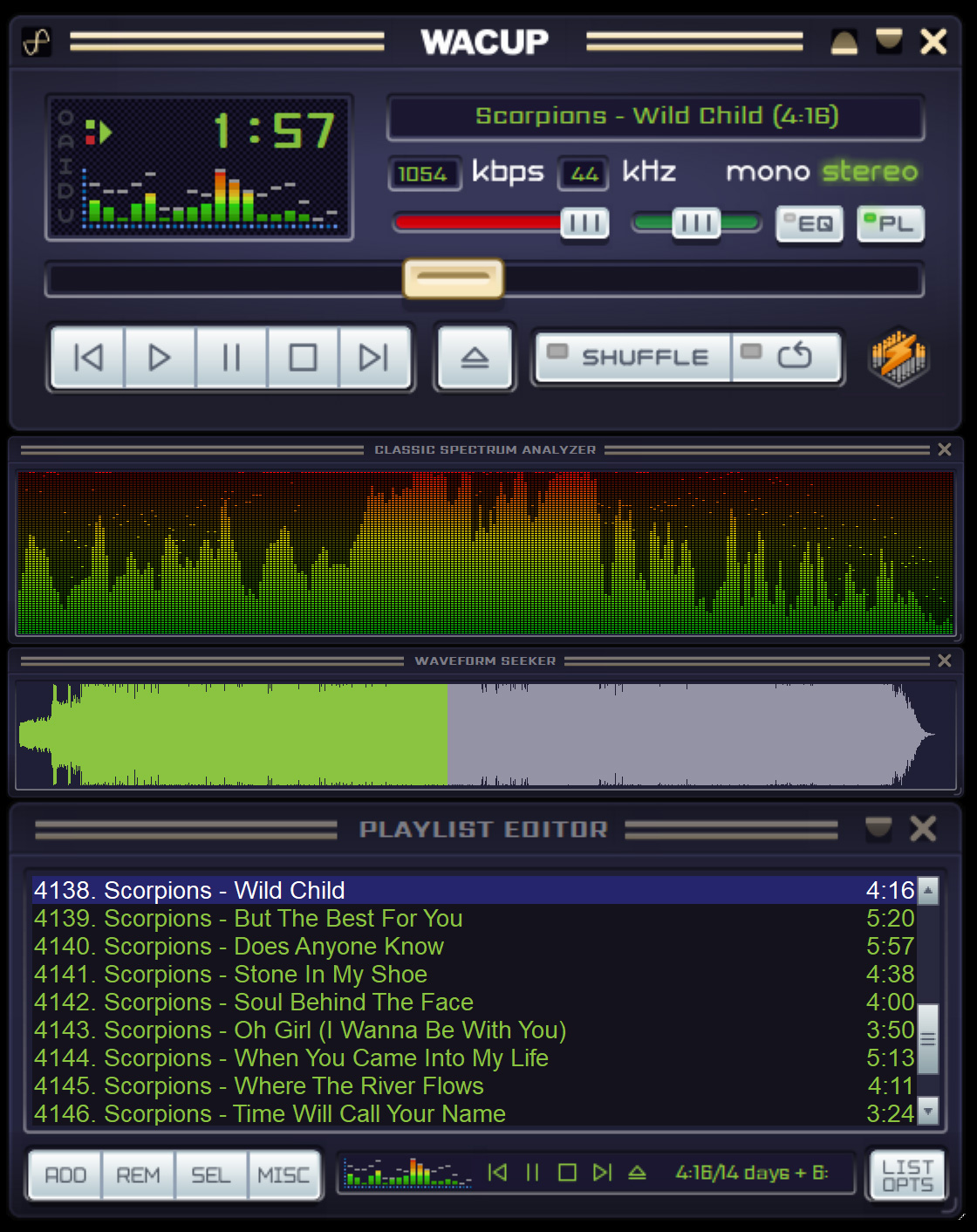
I like to use one of the Big Bento skins to work on my playlists:
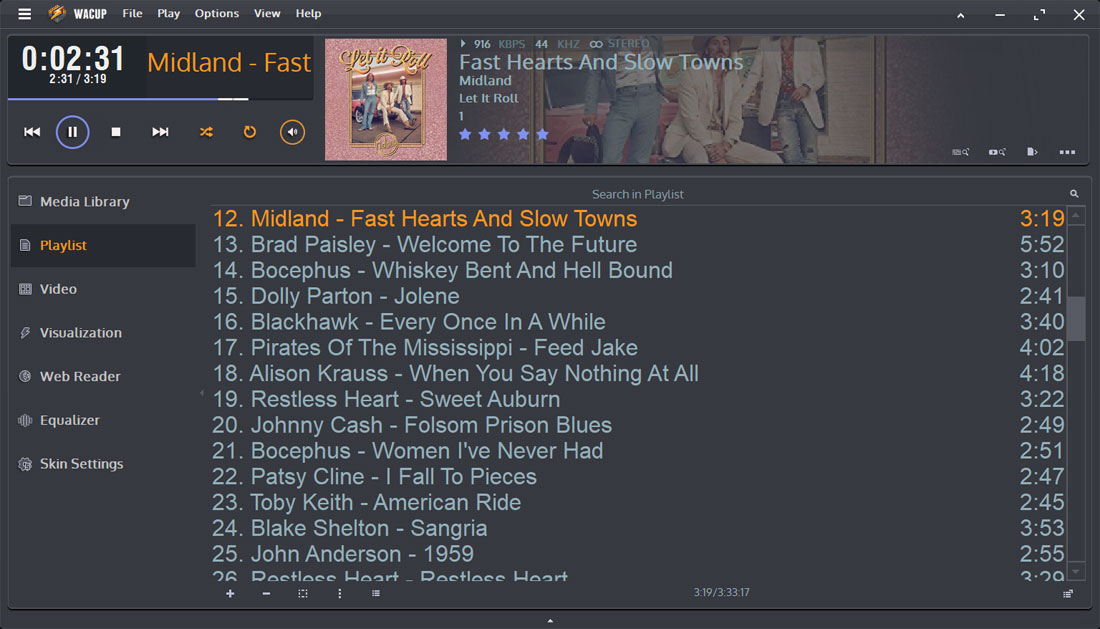
On my man cave media computer I’ve configured it like this:
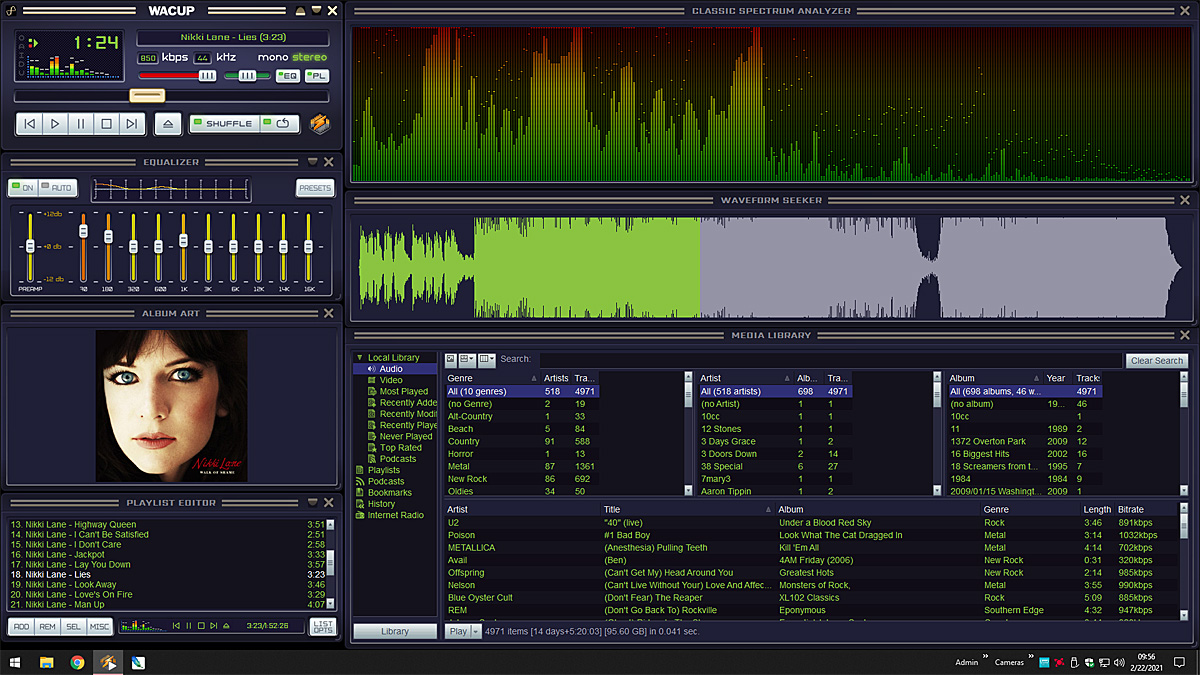
Rock and Roll should be fun! Here is a shot of WACUP in dual-screen splendor. This computer is in my workout/play room (4 songs):