• Skip to primary navigation
  • Skip to main content
  • Skip to primary sidebar

TweakHound

Computer stuff...

  • Home
  • Windows XP
  • Windows Vista
  • Windows 7
  • Windows 8
  • Windows 10
  • Windows 11
  • Linux
  • Tweak Guides
  • Site Info
    • About
    • About Me
    • TweakHound’s World
    • Contact
    • My Computers
    • Old Articles
    • Privacy Policy
    • Old Index
    • Advanced Search

Upgrading To Windows 8.1 – In Pictures

win8logo

October 18, 2013, 08:12(EDT) By Eric (a.k.a. TweakHound)

win8logoHere is a walkthrough of upgrading to Windows 8.1. Including a tip or 2.

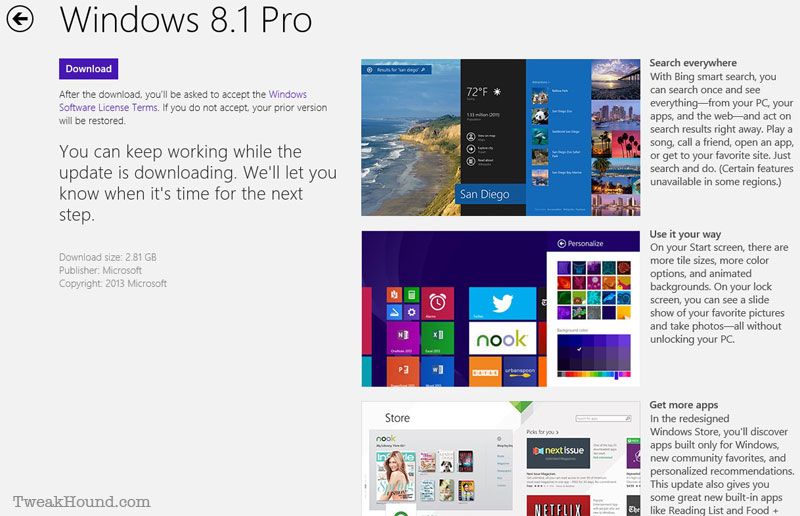
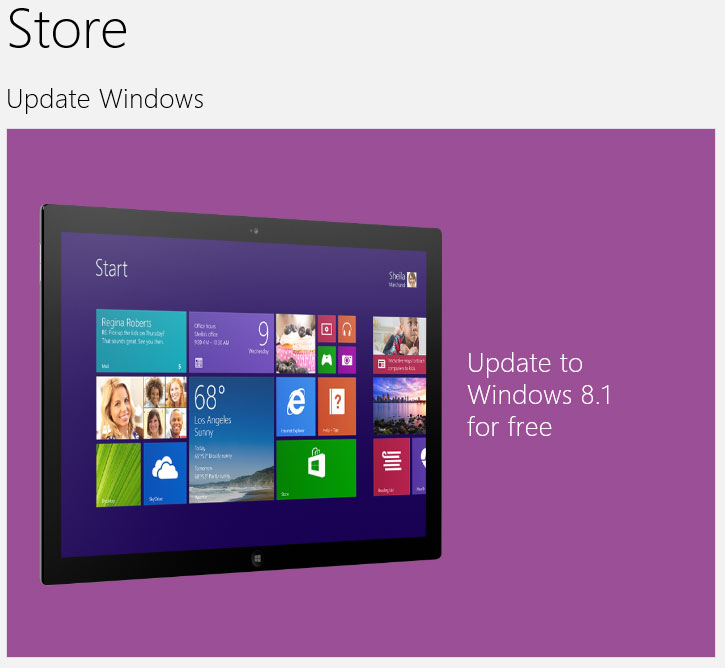
Go to the Store. You should see this screen. Click to run.
If you do not see it, make sure you run Windows Update until there are no more updates.
win81_store_up_1

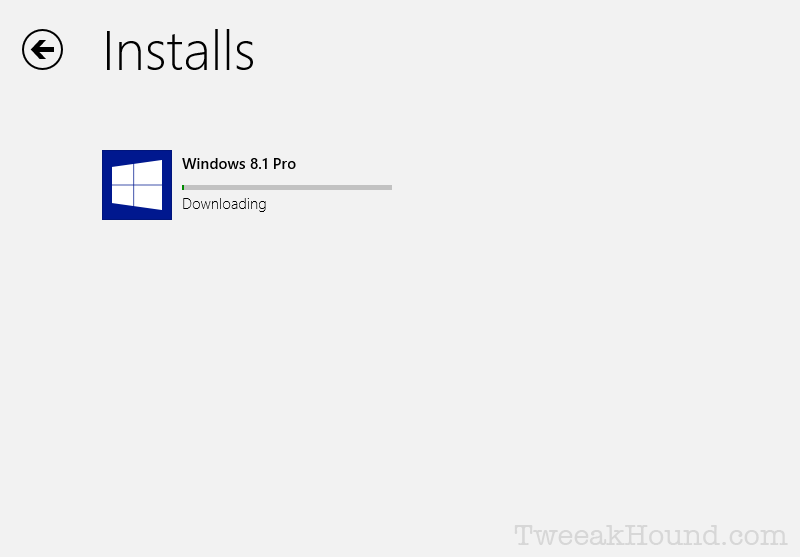
Click Download.

win81up

Grab a snack, or beer…

win81up_1

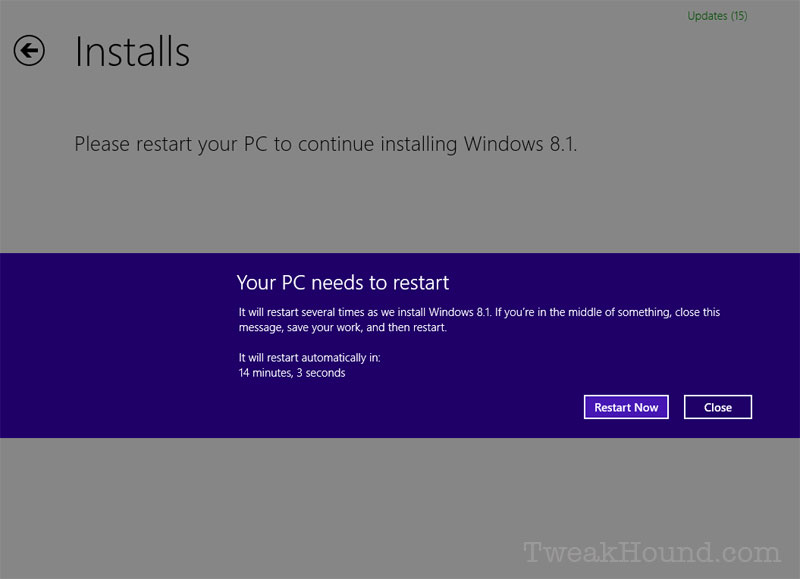
Restart

win81up_2

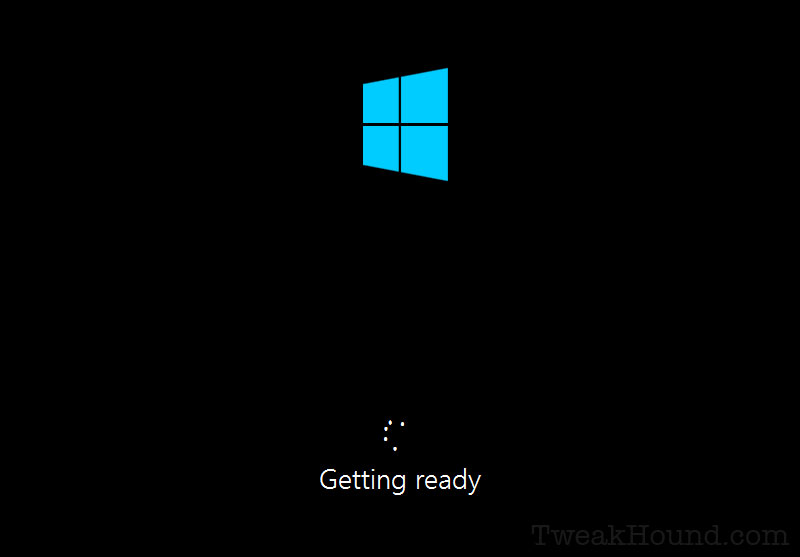
Keep eating, or drinking…

win81up_3

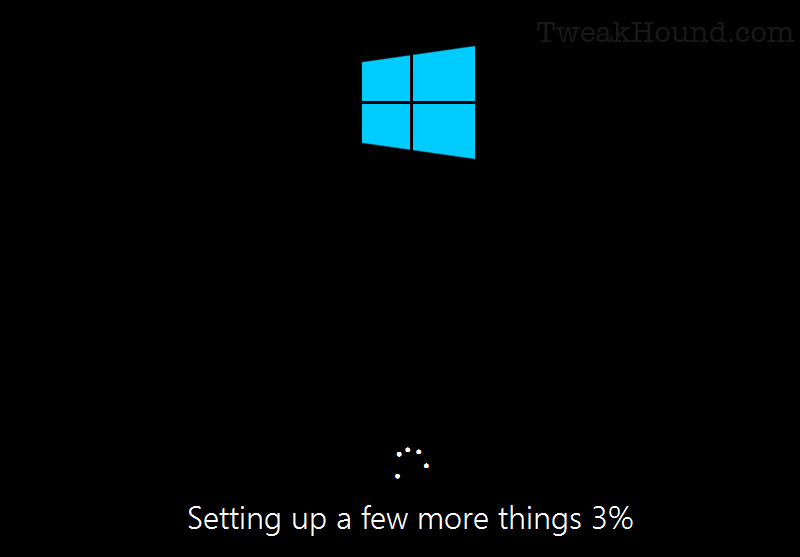
What things???

win81up_4

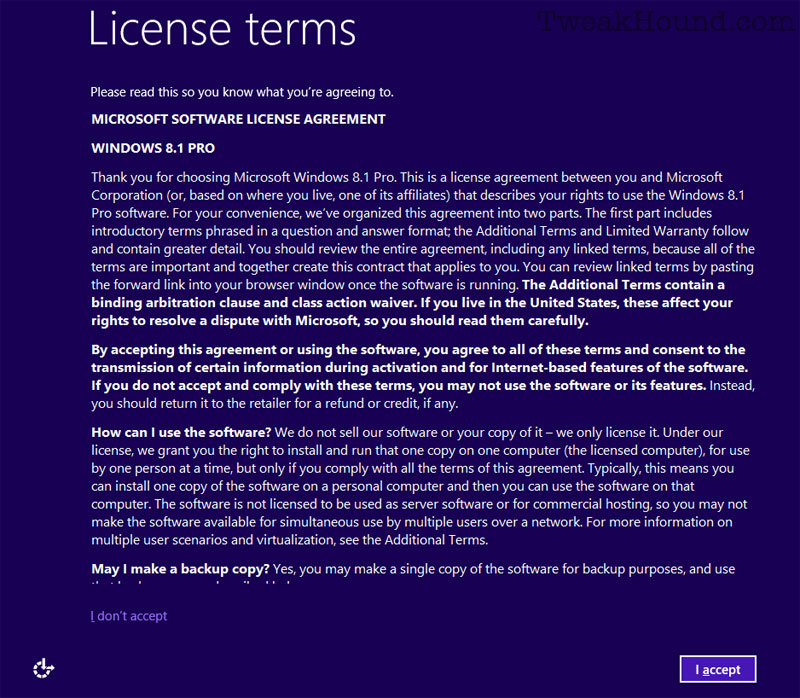
Sign away your first born.

win81up_5

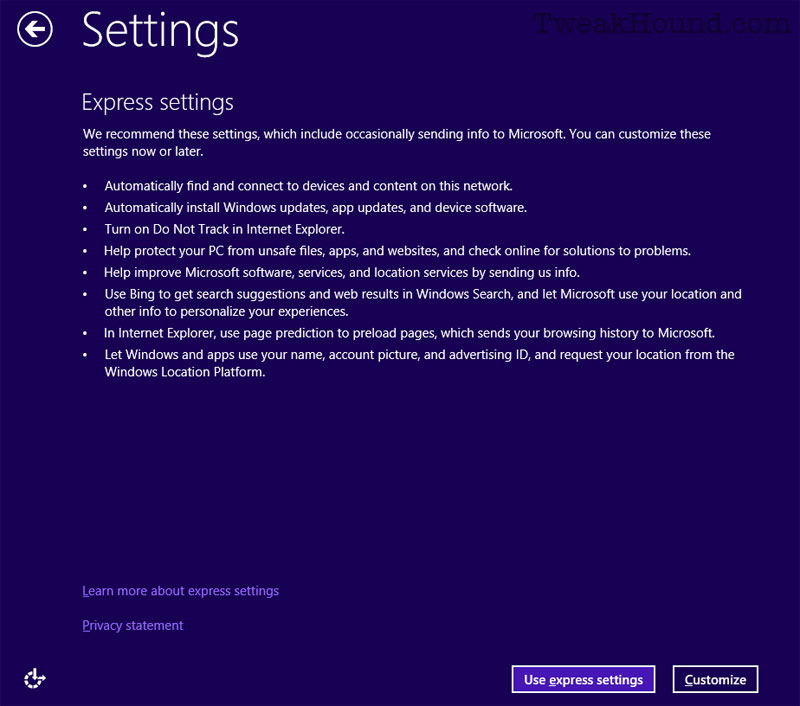
Customize. ‘Cause that’s what we do!

win81up_6

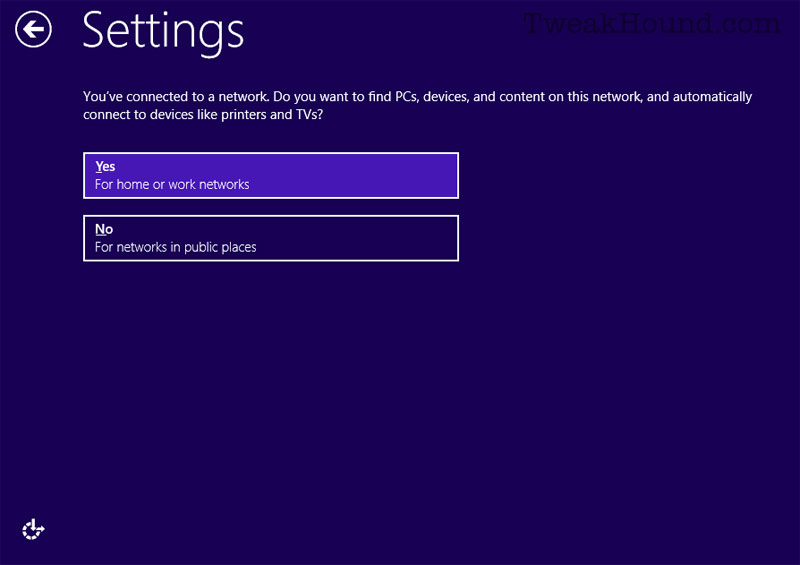
Networked or not?

win81up_7

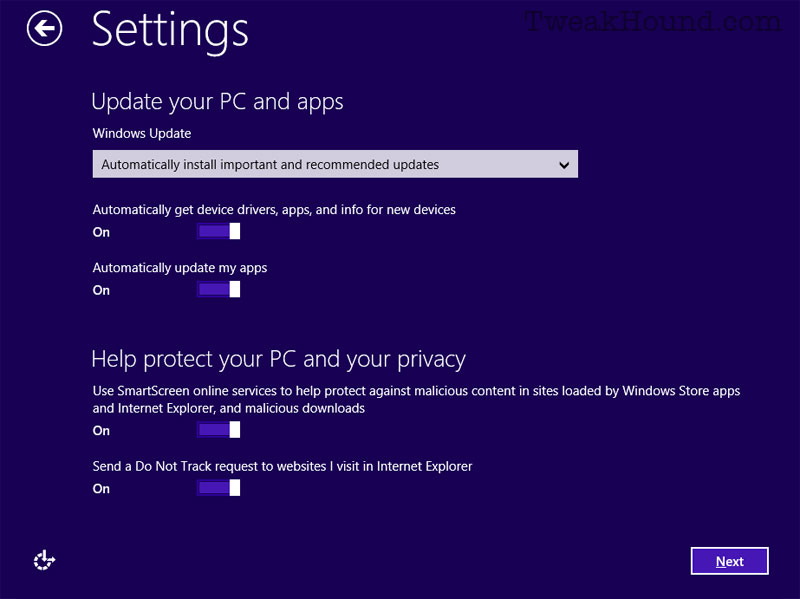
Configure your Windows Update settings. I don’t use IE but I would choose On for SmartScreen , Off for Do Not Track.
Do Not Track standard is…floundering (to be kind).
win81up_8

I use it as you see it.

win81up_10

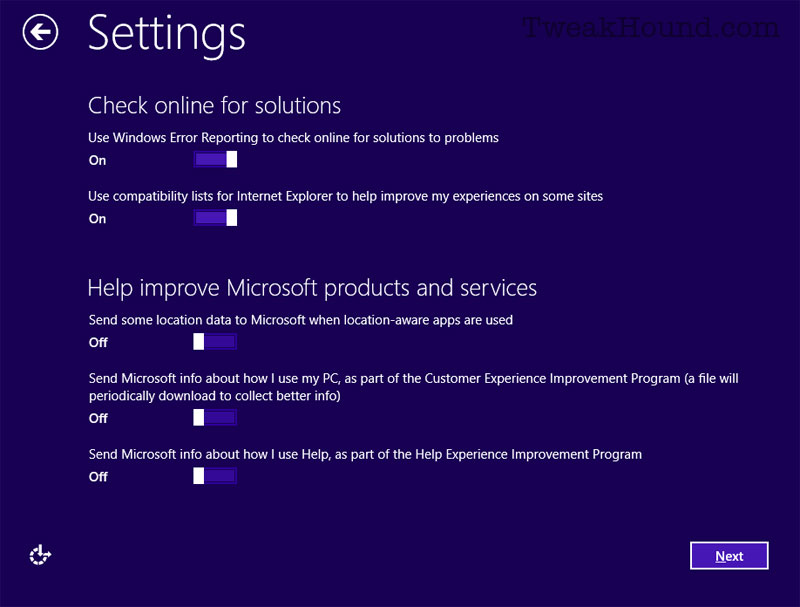
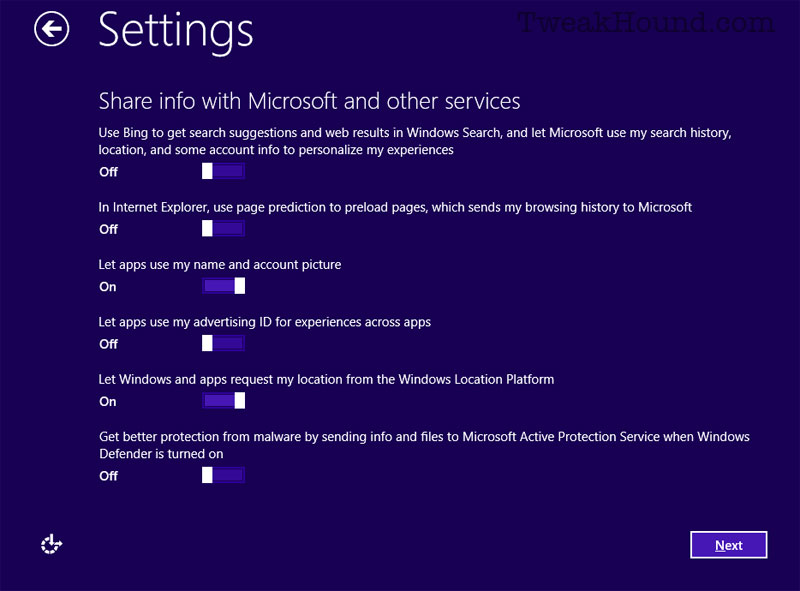
These are my settings.

win81up_11

I started with a Local Account. 8.1 asks to login with this.
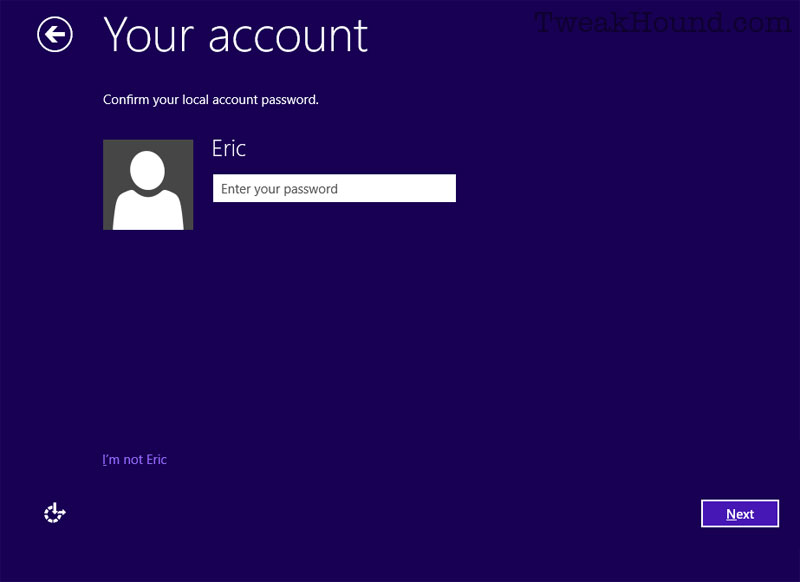
win81up_12

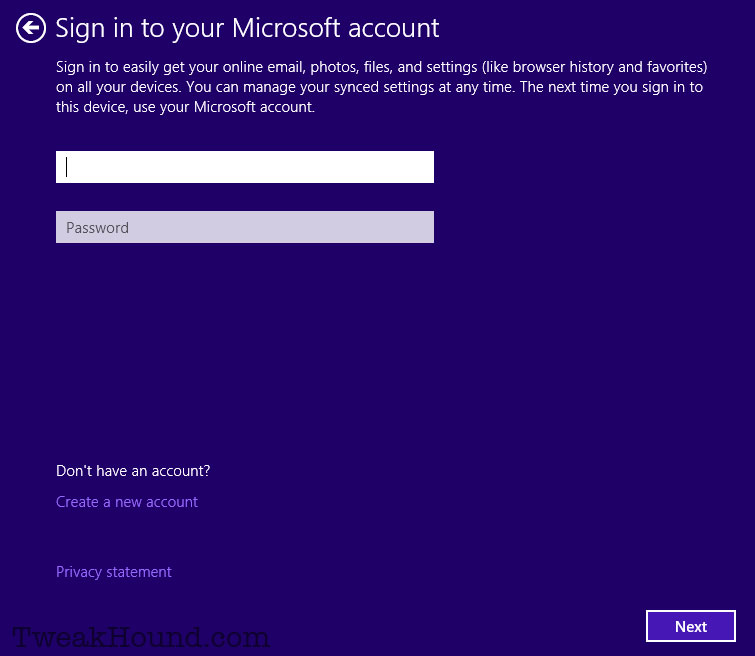
Then tries to get me to use a MS account.

To avoid this click Create a new account
If you have an account then sign-in.
win81up_13

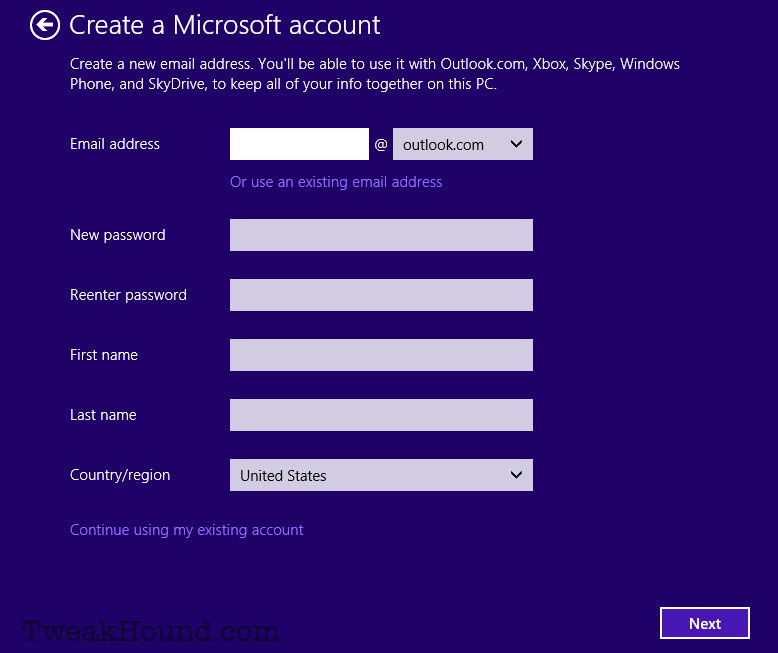
Then click Continue using my existing account.
or
If you signed on with a Local account it goes to the next screen.

or

Create a new account if you desire.
win81up_14

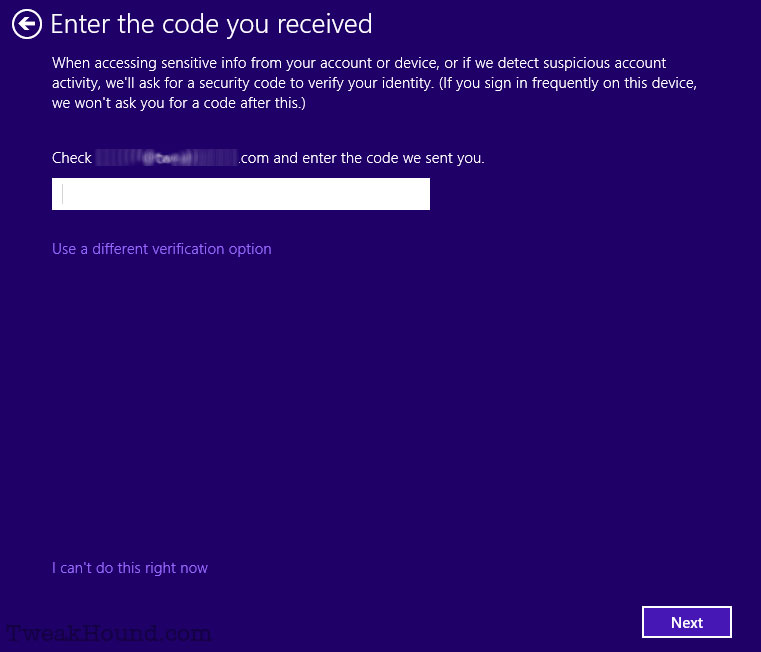
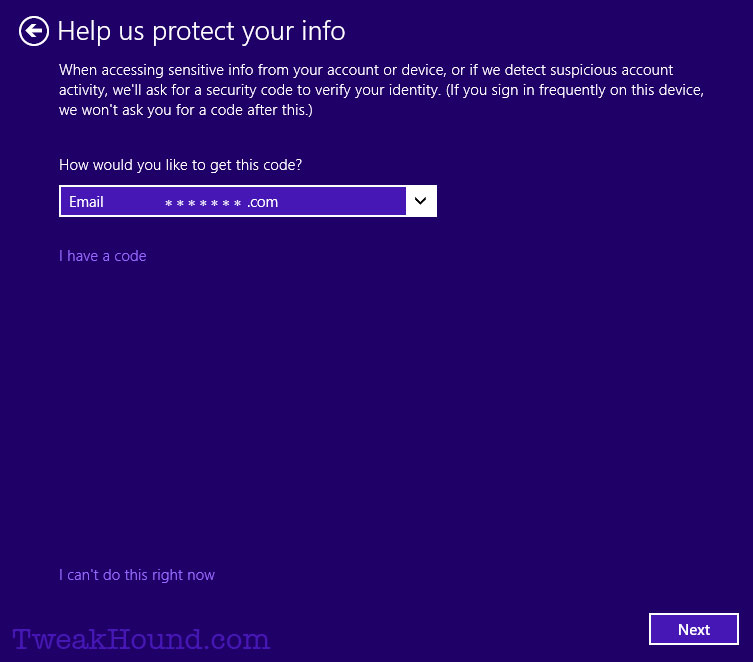
If you already have a Microsoft account, they will send you a quadruple-encrypted, super-top-secret code.
win81up_15

Enter that code.

win81up_16

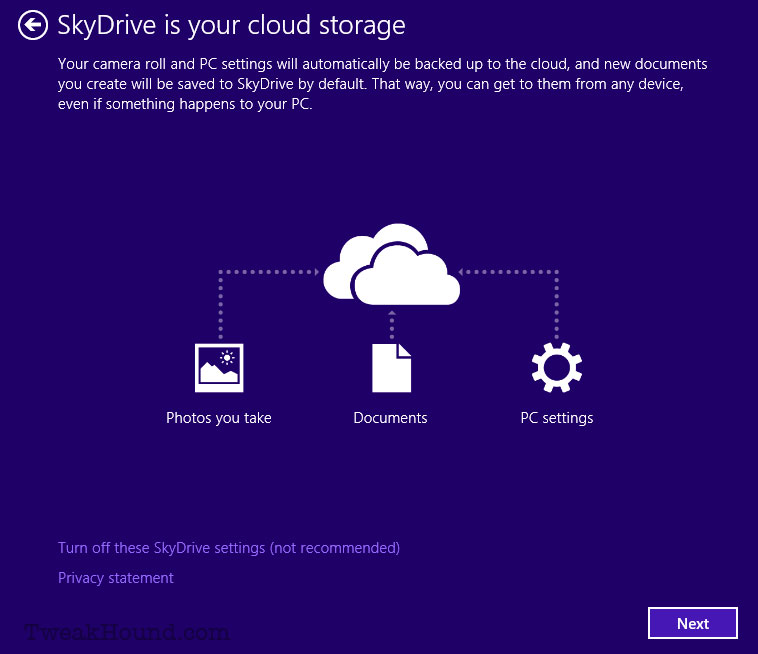
SkyDrive or no? I choose Turn off these SkyDrive settings (not recommended).
You can configure all your SkyDrive settings later.
win81up_17

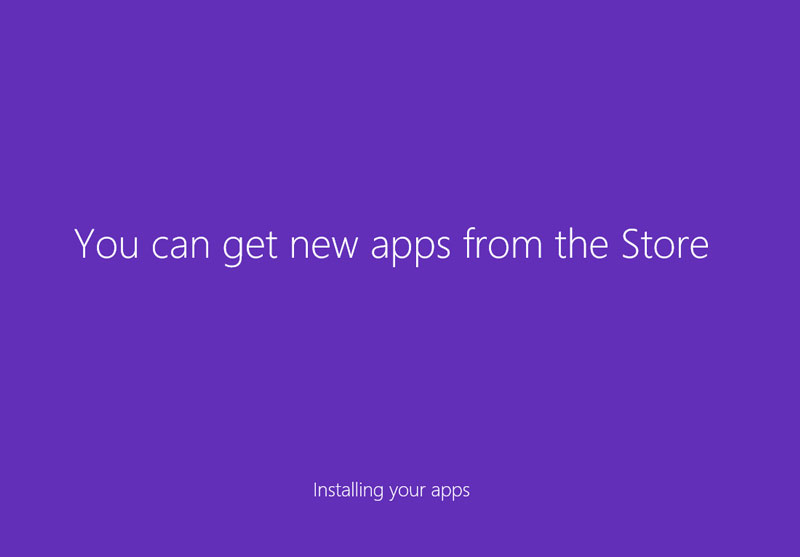
Good grief, more waiting…………..

win81up_18

Done!

win81up_19

View from the Desktop.

win81up_20


See my article Cleanup After Windows 8.1 Upgrade

-END-

Tagged With: How-To's, This Site, Windows 8

Primary Sidebar

Popular Posts

Tweaking Windows 10

Software I Use – 2021 Edition

Timer Tweaks Benchmarked

Win10 – Get Auto-Login Back

Recent Posts

  • Patch Tuesday
  • Friday News
  • Patch Tuesday
  • Using Wise Disk Cleaner
  • Using Cleanmgr+
  • O&O ShutUp10++ 2.2.1024
  • Friday News
  • Windows 11 OOB Update
  • Using BleachBit
  • Weekend News
buywin10th2

Tags

  • Android
  • Backup
  • Beer
  • Computer Hardware
  • Computer News
  • Cool Tools
  • Freeware
  • How-To's
  • Linux
  • Off Topic
  • openSUSE
  • Playlists
  • Privacy
  • Security
  • Software
  • This Site
  • vacation
  • Veterans
  • Windows 10
  • Windows 11
  • Windows 7
  • Windows 8
  • Windows Vista
  • Windows XP

Catagories

  • Android
  • Backup
  • Beer
  • Computer Hardware
  • Computer News
  • Cool Tools
  • Freeware
  • Freeware Machines
  • How-To's
  • Linux
  • News From The Web
  • Off Topic
  • openSUSE
  • Privacy
  • Security
  • Software
  • Tweak Guides
  • Veterans
  • Windows
  • Windows 10
  • Windows 11
  • Windows 7
  • Windows 8
  • Windows Vista
  • Windows XP

TweakHound - Optimize Your Computing Experience! TweakHound - Optimize Your Computing Experience!

Copyright 2002-2025 by Eric Vaughan All material contain here is the property of the materials owner. Windows, Windows XP, Windows Vista, Windows Seven, Windows 8, Windows 10, Windows 11, Microsoft, and all associated logos are trademarks/property of Microsoft. You may not use or copy any material from tweakhound.com without expressed written permission. Hotlinking to any material within this site is forbidden. Privacy Policy