Home & Download | I use portable
As I stated in Windows 11 Disk Cleanup,
On modern systems with SSD’s, cleaning your drives IS NOT A PERFORMANCE TWEAK unless your drive is near full. SSDs do not get fragmented and Windows not only periodically cleans system files but also automatically optimizes drives (TRIM).
You clean a drive to reduce its size resulting in quicker backup and recovery and a smaller image.
I would add that with 3rd party cleaners you use it to help with privacy and clearing cache, history, cookies etc. may help with the performance of your web browsers.
AFAIK Wise Disk Cleaner doesn’t use profiles so I used use 2 separate copies. One is for daily use and one for less often, thorough cleaning. For this article I’ll show the latter.
See: Using the portable version of Wise Disk Cleaner (WDC)
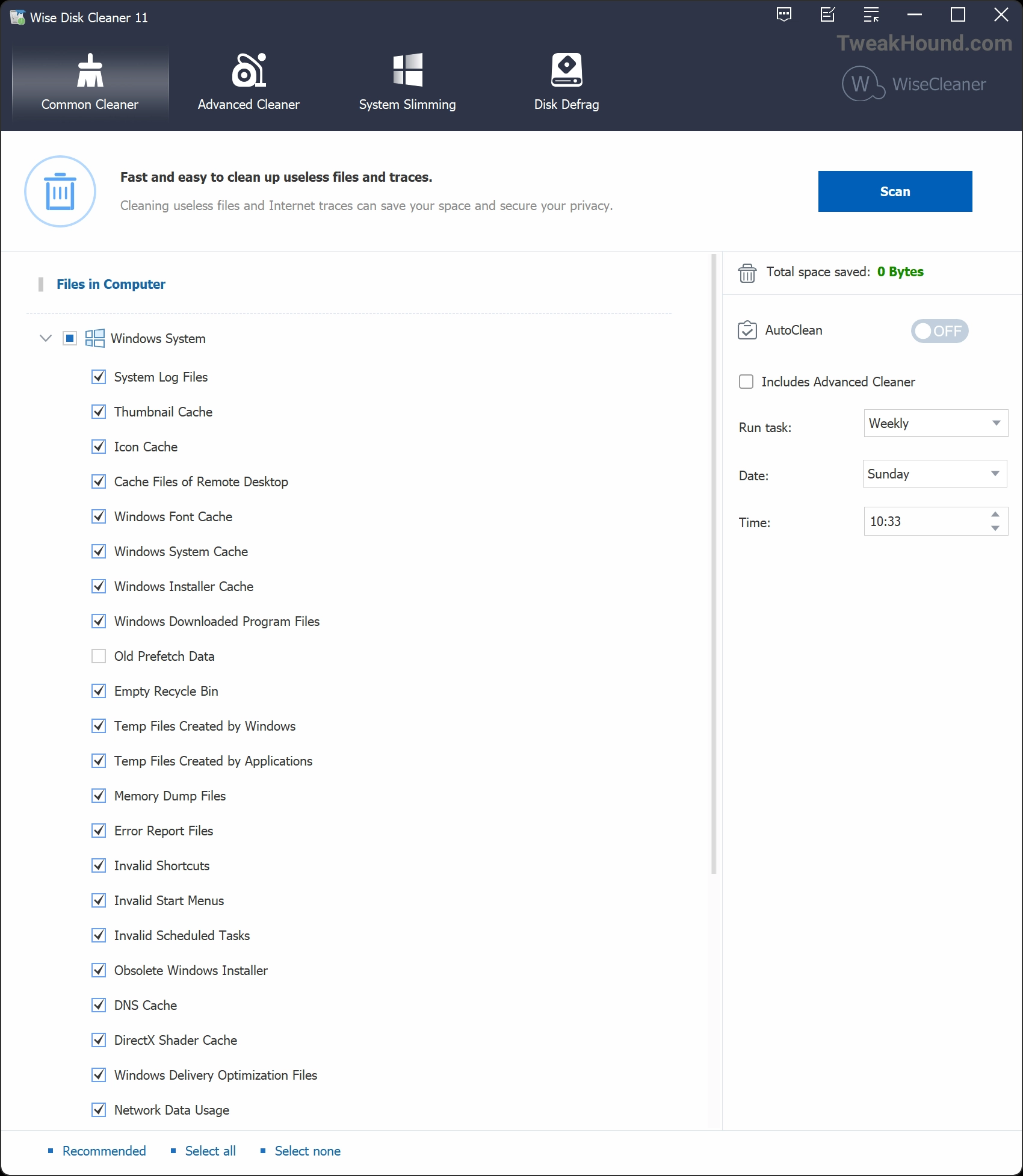
There would be too many screenshots for you to follow. I’ll show you one example of the main screen.
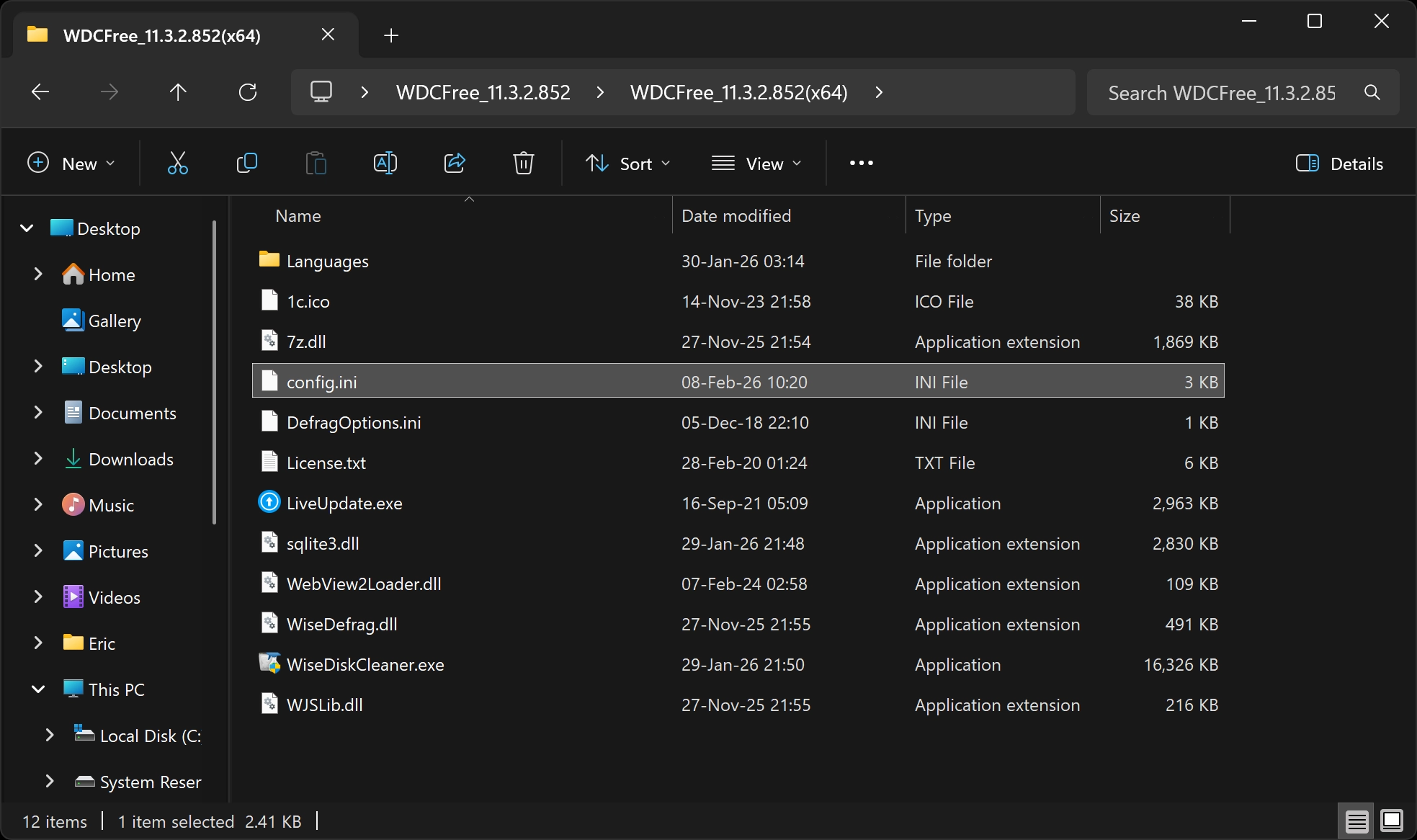
You can download my settings here: https://www.tweakhound.com/files/TH_WDC_setings2026.zip
Then copy the config.ini file into your Wise Disk Cleaner folder.
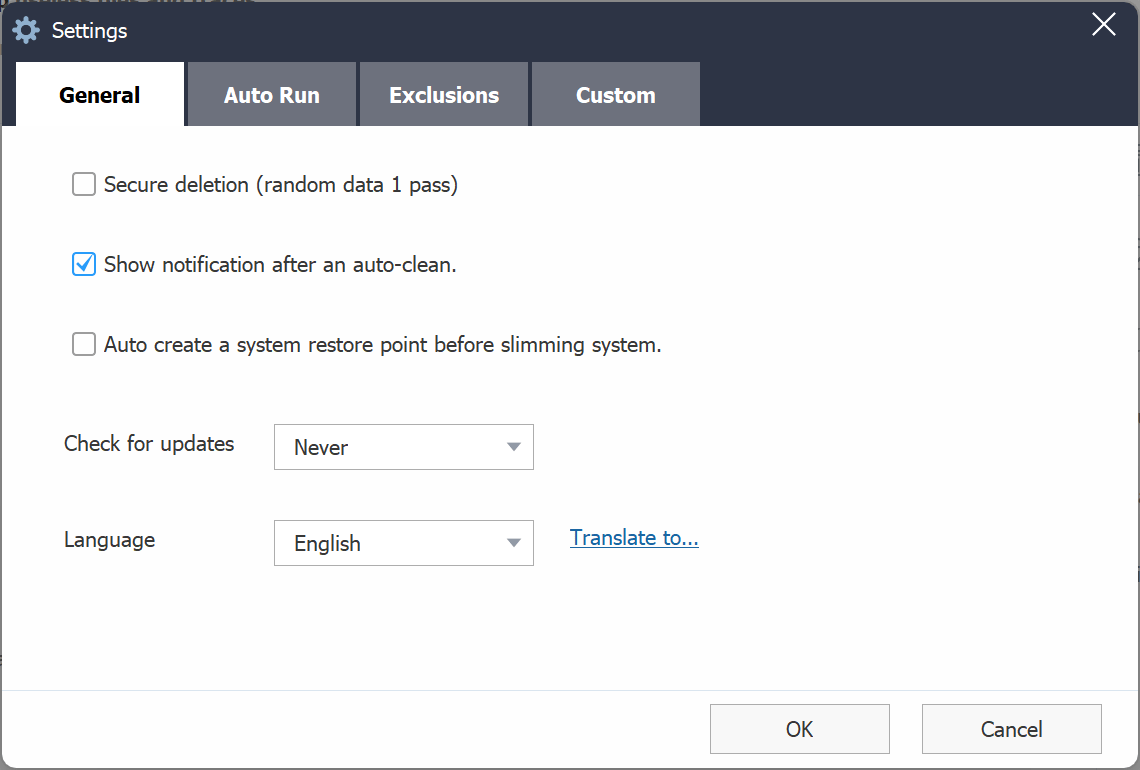
Settings 1
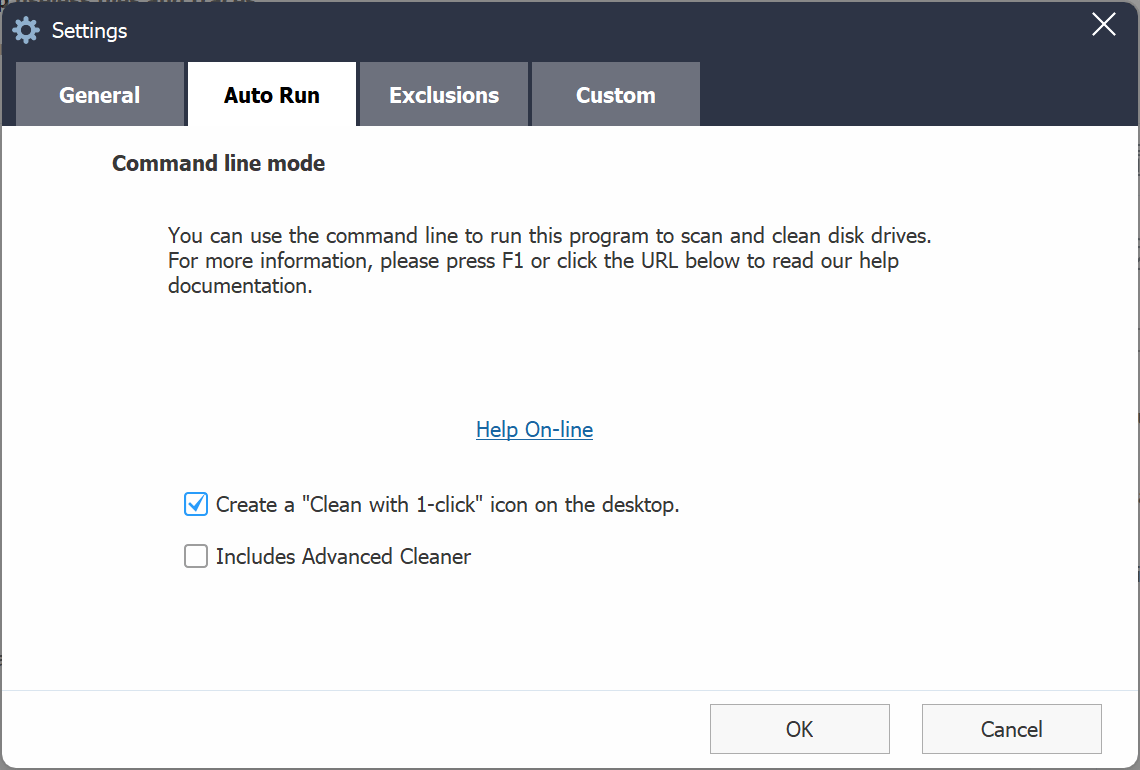
Settings 2. Create a 1-click shortcut?
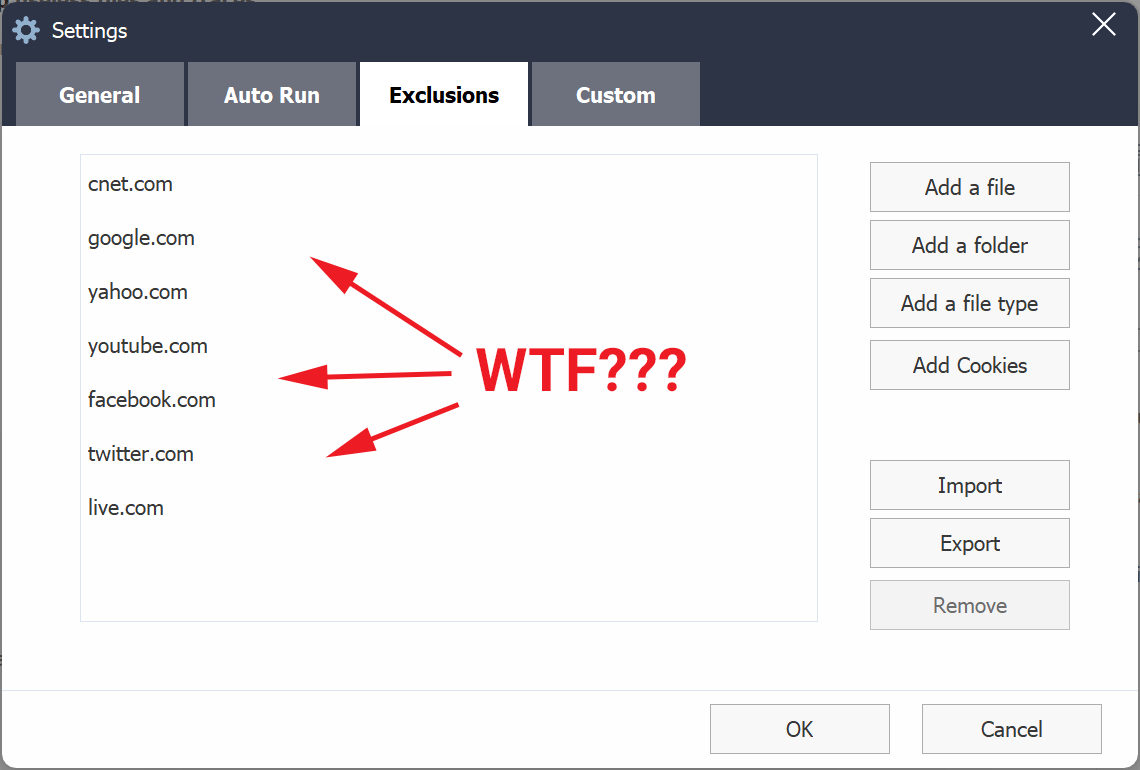
These exclusions are automatically added. Delete them.
Example screen. Click for full-sized.
-END-
Comment Policy:
-You do not need an account or login to anything to comment.
-Comments are not posted until moderated and are filtered using Akismet among other things.
-NO POLITICS (unless post is political in nature.)
-Comments are closed after a time to cut down on spam.
-In addition the following comments will be deleted: trolling, posted in the wrong topic, bashing other people, profanity, links to adult or other questionable sites.
-Once you click submit your IP address is recorded (it is NOT posted...unless, perhaps, you violate the rules). FYI - All sites do this, I just tell you about it.
-The comment section is not a way to contact me. See here for that.
-In the end it is my site and not a public forum. I will decide what I do and do not want posted here.