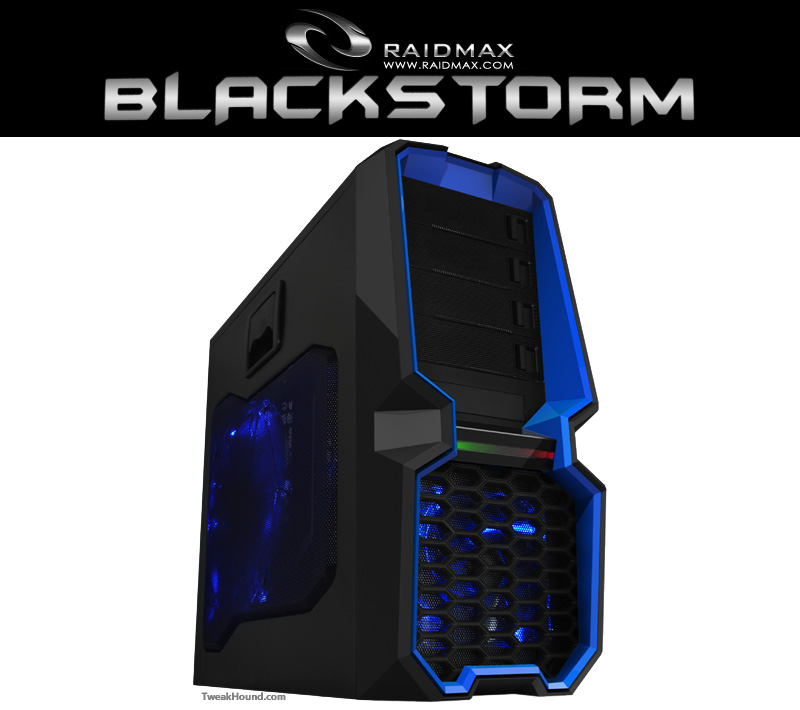
I was looking for a new case for my work computer and Raidmax was kind enough to send over the Blackstorm case.
This isn’t going to be your typical review.
1 – I’m just going to post pictures and comment on that view.
2 – This entire review will be on 1 page.
3 – There will be no “ratings” or “awards” at the end. I will just tell you what I think.
4 – I’m using the manufacturers pictures when I can. Frankly they are better and I’m a terrible photographer.
The Specs (straight from the manufacturer)
| PCMark8 | Score |
|---|---|
| Baseline | 3589 |
| useplatformclock | 3538 |
| tscsyncpolicy | 3589 |
| disabledynamictick | 3589 |
Time For The Pictures
The Front
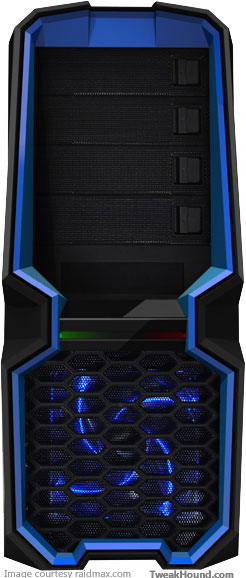
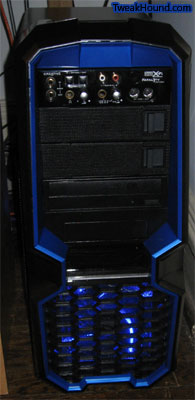
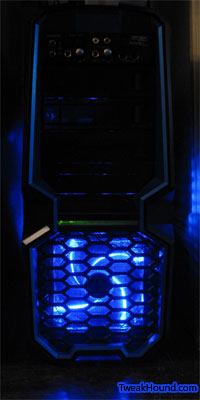
I really like the looks of the case and the blue trim and fans. Almost a Star Wars feel to it don’t you think?
The front LED is OK looking. Would’ve been cool if it went from blue to red instead of green to red.
Notice the front bay covers. Just slide the tab to remove them.
Quite a unique feature and it adds to the overall design. I like it.
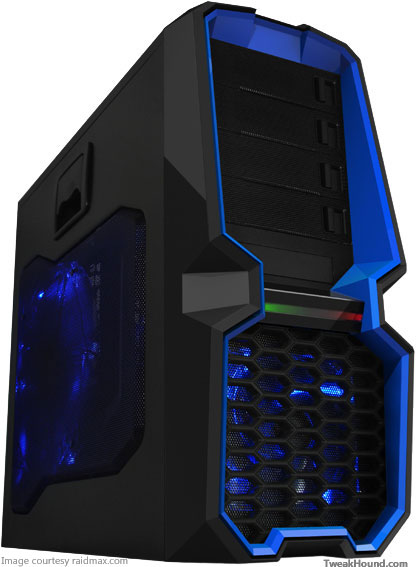
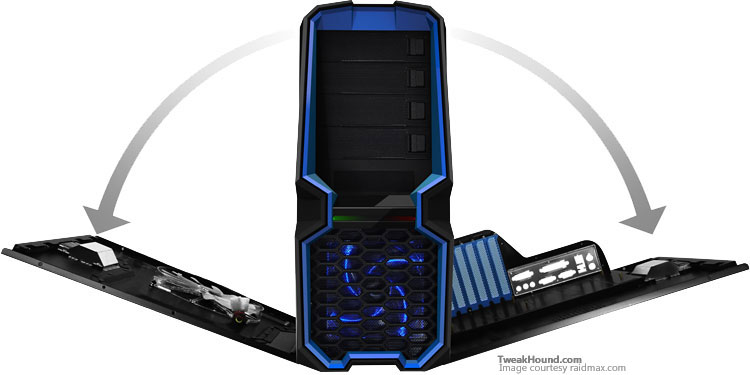
Both sides open which is not only cool but very handy.
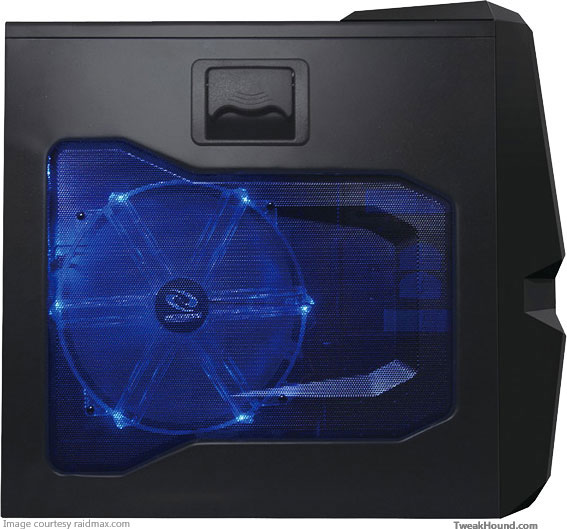
Left Side
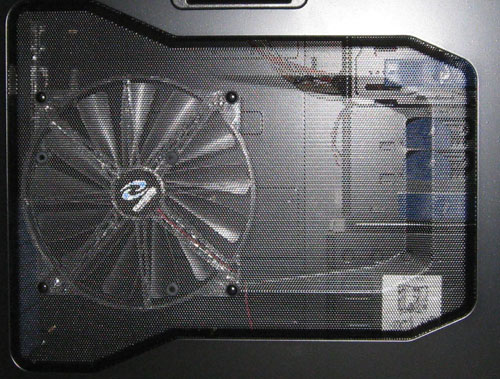
Digging the molded mesh. More about the fan later.
The Inside
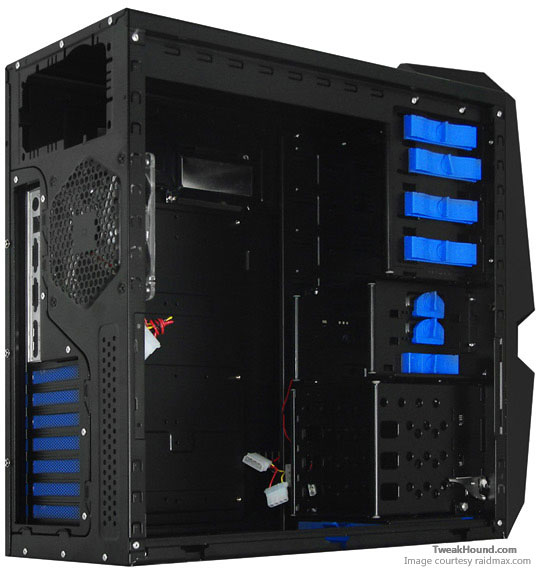
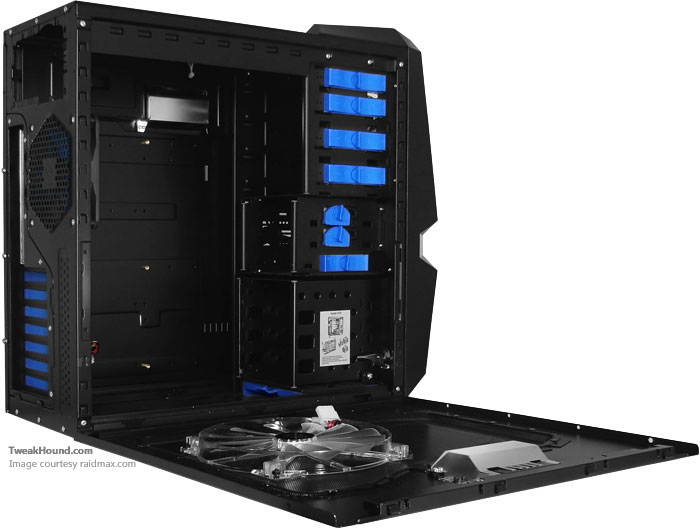
The inside is a pleasure to work with.
Both sides fold down, removable had drive rack, plenty of space for the PSU.
The unit ships with 3 fans.
My Cruddy Pics And Comments
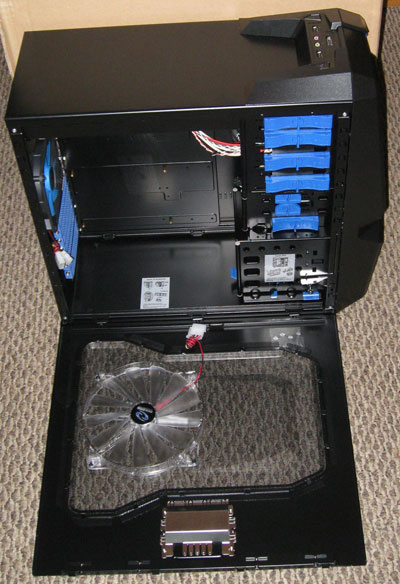
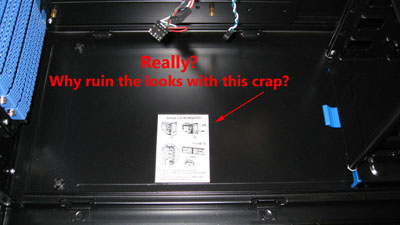
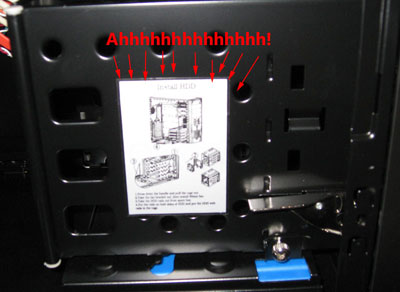
Good looking interior, but WTF are those stickers doing in there? Instructions? That is what a manual (as in RTFM) is for.
Of course I took them off. Both required a little rubbing alcohol to remove the sticky residue.
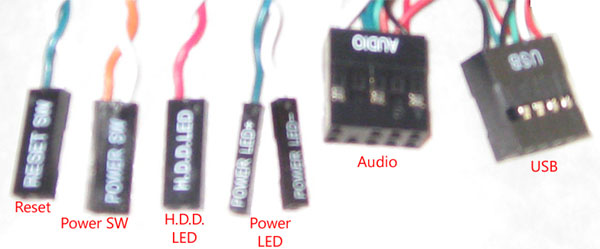
Connectors
Only USB 2 support. Luckily I’m stuck in the dark ages of USB 2.0 but still.
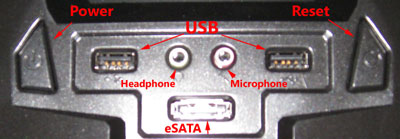
The connections / buttons the top of the case.
At least the USB ports aren’t upside down like on my Thermaltake case.
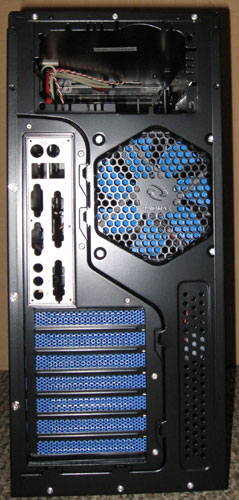
The Back
Pretty standard. Unfortunately the back I/O plate didn’t fit my motherboard (yanked from a Dell).
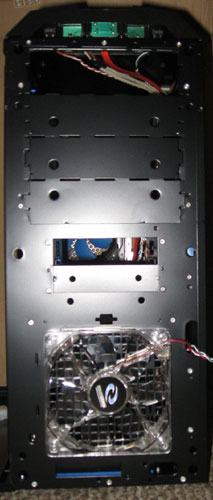
Taking Off The Front
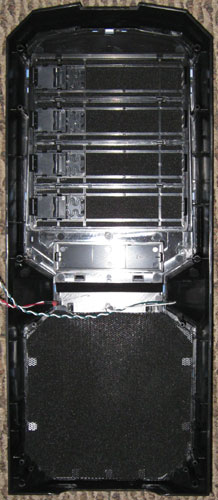
I understand the premise of adding a filter to the intake but:
1 – None of the other fans have filters.
2 – Every filter I have ever seen is really just flimsy garbage, this one is no exception. I always just remove them.
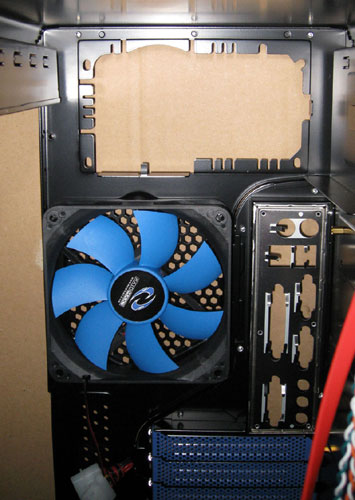
More On The Inside And About Those Fans
The side fan and rear fan are both positioned to suck air out.
While I haven’t done any testing logic tells me that this will create an issue with both the CPU and GPU fans getting sufficient air.
The side fan cannot be turned around easily because it lacks an attachment on the other side of the fan.
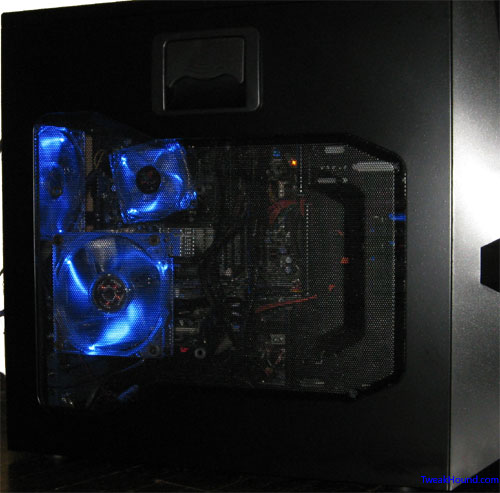
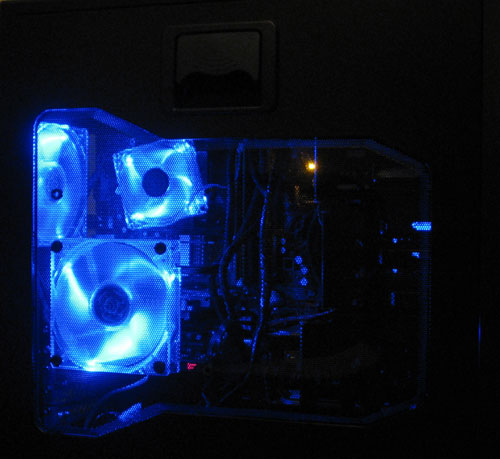
The fan also blocks the view of the inside of the case. Fortunately the mesh already has holes for a 120MM fan.
I swapped in two blue 120MM Blue LED fans. The rear to suck air out and the side to blow air in.
Rear with stock fan:
Left side fan:
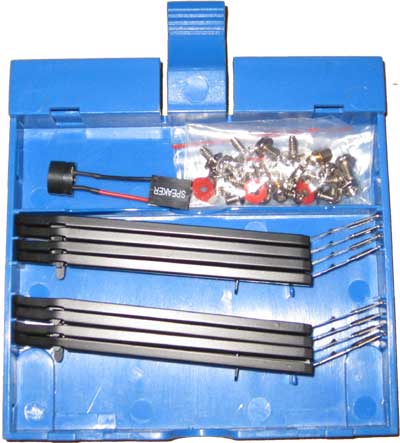
There is a removable storage case for motherboard parts or whatever. It is located under the hard drive bay.
I’m not one to keep any extras inside my computers so I’ve removed it along with all the blue plastic drive holders.
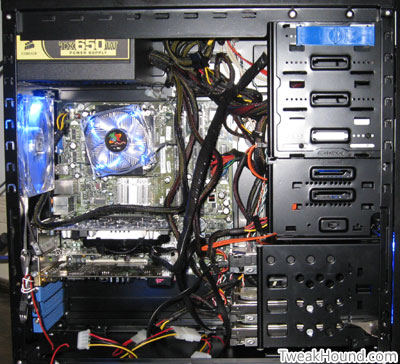
View with everything in the case.
As many people have whined about with mid-tower cases, cable management isn’t easy and obviously I didn’t try too hard at it.
In my case having a PSU with full tower length cables didn’t help.
If you don’t like it then your only real option is a full tower.
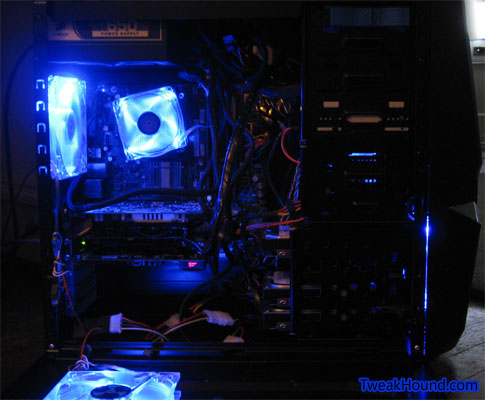
A view of the front:
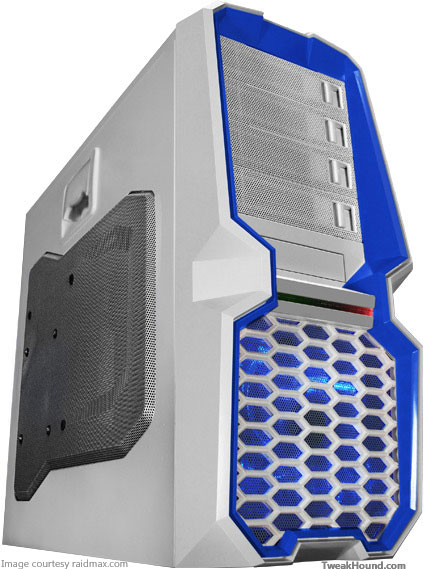
There Is A White Version
I don’t much like white computer cases but for those that do they have a white version of this case.
Kinda looks R2D2-ish.
Pricing
Right now the best price I can find shipped to your door is $74.99 (free shipping) at Newegg.
If you find a better deal let me know.
Links
Raidmax Blackstrom official page
Final Thoughts
– Every case has it’s shortcomings. For the Blackstorm it is the default left-side fan configuration, lack of a USB 3.0 connector, and those damn stickers.
– Functionally it is extremely easy to use and working on the interior is as easy as it gets for a mid-size case.
– Cooling is more than adequate if you reconfigure the left-side fan.
– Build quality is good and on par with cases that are more expensive.
– I realize that beauty is in the eye of the beholder but I think this is one sharp looking case.
In the end working with this case was a pleasure and the sharp looks add to what my wife describes as my “Geek room”.
I have no qualms about recommending the Raidmax Blackstorm to you.
-END-