• Skip to primary navigation
  • Skip to main content
  • Skip to primary sidebar

TweakHound

Computer stuff...

  • Home
  • Windows XP
  • Windows Vista
  • Windows 7
  • Windows 8
  • Windows 10
  • Windows 11
  • Linux
  • Tweak Guides
  • Site Info
    • About
    • About Me
    • TweakHound’s World
    • Contact
    • My Computers
    • Old Articles
    • Privacy Policy
    • Old Index
    • Advanced Search

My New / Used Computer

thpinpostlogo

November 7, 2014, 13:04(EST) By Eric (a.k.a. TweakHound)

thpinpostlogoLots of parts swapping going on…

First I bought a used Q9650 CPU and did a 3-way swap on my old systems:
Q9650 replaced Q9450
Q9450 replaced Q6600
Q6600 replaced E5800

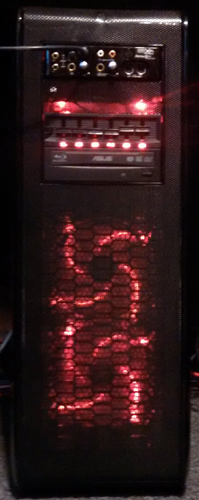
Next I bought a used system very, very cheaply off Craigslist. Specs:
Intel I7-3770
Intel DZ77SL-50k Z77 mobo
16GB Crucial memory
EVGA NvidiaGeforce GTX560TI
OCZ Agility4 SSD 128GB
WD 1TB HD
Antec DF-10 case
Asus Blu-Ray
650watt PSU
Razer BlackWidow keyboard
R.A.T. gaming mouse

The system was “put together by a local computer shop”. Grrrr… I been fixing some of these guys stuff for years. Surprisingly this computer was put together very nicely. The system was filthy. Doesn’t anyone clean their computers?
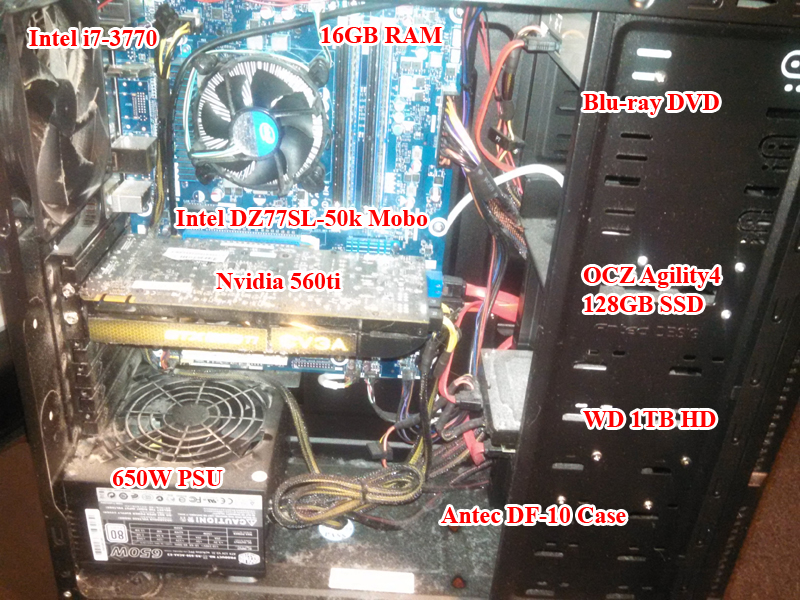
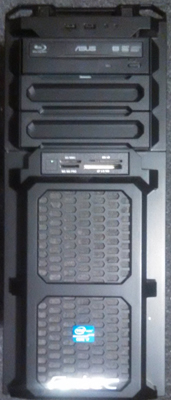
used comp
used comp 2

Before buying I did my research. The DZ77SL-50k motherboard has a lot of complaints so I bought this system knowing I might have to ditch it.
Sure enough…
The Intel DZ77SL-50k is one of the worst motherboards I’ve ever run across. The UEFI BIOS is almost useless and this board seems to have issues with PCI-E graphics. So, off to Amazon. I bought a used Gigabyte motherboard. It arrived dead (one-star feedback anyone?).
I decided on a new ASRock Z77 Extreme4.
I also went with Windows 8.1. Despite the Metro crud, it is simply a better OS under the hood than Win 7.
I will dual-boot with openSUSE 13.2 when there are working AMD Radeon drivers but the goal of this system is:
1 – To have a modern(ish)UEFI board.
2 – To stop the multi-boot madness and start using VM’s more.
I bought another 16GB of RAM, a Samsung 850 Pro SSD, and a Radeon R9 270X (moved the Nvdia card to my old system).
New system specs below:
Intel I7-3770 CPU
ASRock Z77 Extreme4 motherboard
32GB Crucial Ballistix memory
AMD Radeon R9 270X 4GB DDR5 GDR
Samsumn 850 Pro SSD 256GB (OSs)
OCZ Agility4 SSD 128GB (VMs, etc)
Intel 530 SSD 180GB (storage)
Seagate 3TB HD (storage)
Creative X-Fi Fatil1ty sound card
Rosewill BLACKHAWK-ULTRA case
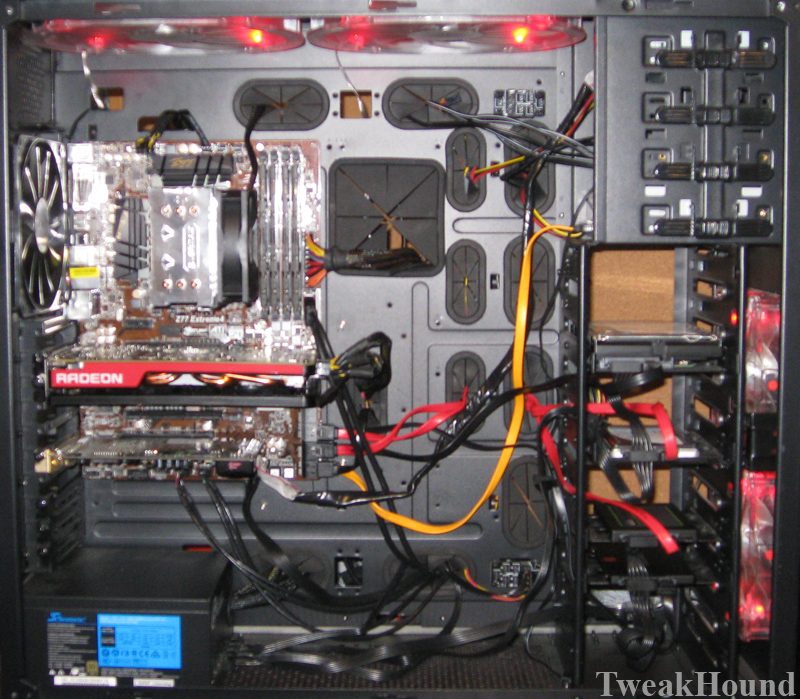
new used comp
new used comp 2

Desktop, click on pic for full-size image.
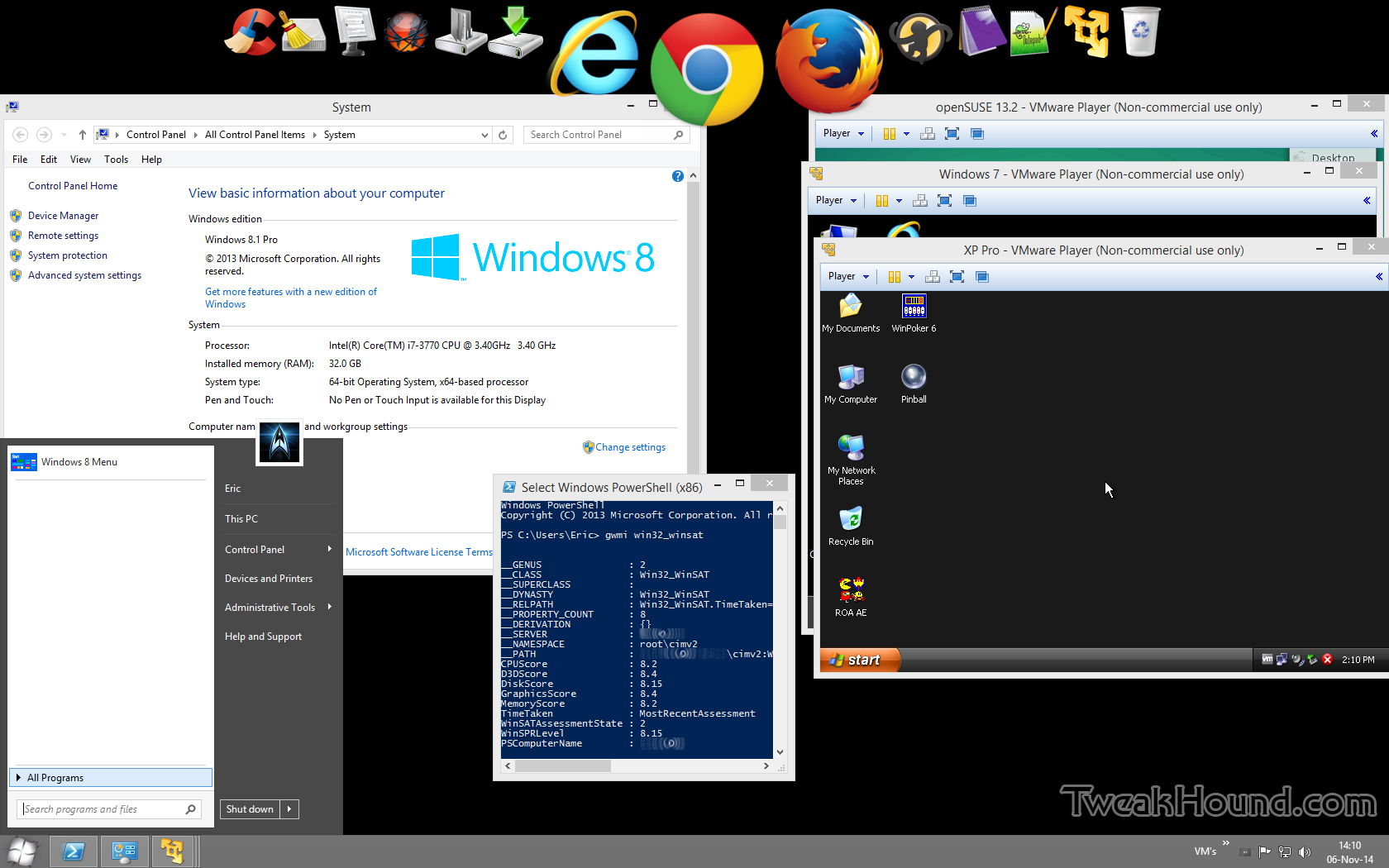
new_win81_desktop_sm

My old system went into the case from above.

This ought to hold me for 2-3 years. Of course that’s what I said about the last system, 6 1/2 years ago!

Hopefully I will be able to afford a dual-monitor setup soon. Maybe Black Friday?

That about covers it!

Tagged With: This Site

Primary Sidebar

Popular Articles

Windows 10

Tweaking Windows 10

My Windows 10 Tweaks

Windows 10 Privacy Settings

Win10 Diagnostics Tracking Service Gone?

Windows 10 Advanced Disk Cleanup

Win10 Customize Installation Options

Windows 10 Dark Theme

Win10 Wallpapers, Graphics, etc.

All Windows 10 Articles

Windows 8

Tweaking Windows 8.1

Advice On Installing Windows 8.1

Clean Install Windows 8.1

Cleanup After Windows 8.1 Upgrade

Create Shutdown, Restart, Logoff Tiles For Windows 8

Tweaking Windows 8

Install Windows 8 – Clean Install With Upgrade Media

Install Windows 8 – Upgrade

Windows 8 – Cleaning Up After You’ve Upgraded

Windows 8 Freeware Machine

Windows 8 SSD Settings, Etc.

How To Resize Your Windows 8 Partition

Create Windows 8 Recovery Media

Windows 8 – Elevated Command Prompt

How To Fix The Windows Bootloader

Windows 7

Installing Windows 7

Tweaking Windows 7

Windows 7 Diagnostics Tracking Service

The Windows 7 Freeware Machine

The Windows 7 Pagefile And Running Without One

Bad Tweaks

SSD Tweak Guide (sort of)

The noguiboot (no GUI Boot) Tweak

NtfsMemoryUsage=2 Tweak

More Windows 7 articles here.

Windows Vista

Installing Windows Vista

Tweaking Windows Vista

More Windows Vista articles here.

Windows XP

eXPired - The Last Windows XP Guide You'll Ever Need

The Right Way To Install Windows XP

Super XP Tweaking Guide

The Freeware XP Machine

Bad Tweaks

More XP Articles here and here.

Backup

Backup Article Greatest Hits – Vol. 1

Other

Cataloging Your Music Collection

Finding Good Album Art

Converting Vinyl Records To Digital Music – A Non-Audiophiles Guide

Windows All-In-One Recovery Flash Drive

SSD Tweak Guide (sort of)

Raidmax Blackstorm Case Review

Disk Partitioning

Ditch Those CD's! A Guide To Using USB Flash Drives

Checking Your Disks For Problems

Bad Tweaks

More articles here

Tags

Android Backup Beer Computer Hardware Computer News Cool Tools Freeware How-To's Linux Off Topic openSUSE Playlists Privacy Security Software This Site vacation Veterans Windows 7 Windows 8 Windows 10 Windows 11 Windows Vista Windows XP

TweakHound - Optimize Your Computing Experience! TweakHound - Optimize Your Computing Experience!

Copyright 2002-2025 by Eric Vaughan All material contain here is the property of the materials owner. Windows, Windows XP, Windows Vista, Windows Seven, Windows 8, Windows 10, Windows 11, Microsoft, and all associated logos are trademarks/property of Microsoft. You may not use or copy any material from tweakhound.com without expressed written permission. Hotlinking to any material within this site is forbidden. Privacy Policy