• Skip to primary navigation
  • Skip to main content
  • Skip to primary sidebar

TweakHound

Computer stuff...

  • Home
  • Windows XP
  • Windows Vista
  • Windows 7
  • Windows 8
  • Windows 10
  • Windows 11
  • Linux
  • Tweak Guides
  • Site Info
    • About
    • About Me
    • TweakHound’s World
    • Contact
    • My Computers
    • Old Articles
    • Privacy Policy
    • Old Index
    • Advanced Search

Reader Rigs

thpinpostlogo

March 1, 2016, 14:35(EST) By Eric (a.k.a. TweakHound)

thpinpostlogoA reader who wishes to remain anonymous was telling me about a PC build he had done a while back. I thought it was interesting and asked if he would share it with y’all.

I would also like to invite others to send in their rigs if they would like.
There are so many sites with guys posting rigs that are beyond most of our grasps. These rigs are almost always sponsored by a company or companies. Many are fashioned in whole or part in machine shops. Don’t get me wrong, lots of these are truly beautiful bad-assed machines but they aren’t what I’m looking for. I’m looking for rigs hand-built and/or modded by regular Geeks. It doesn’t have to be anything fancy. What you have done may inspire others.
Here is the first Reader Rig:


OK I agreed to post my build after Eric showed his system and I sent him a picture of mine.

I have to preface this by saying that I am not a professional or sponsored builder by any company. Nor do I think my build is in any way the best way to build one, to each their own. I am only a novice that got tired of buying prebuilt computers with very little upgrade options or the ability to overclock. For those reasons is why I started building my own. This is about my 5th attempt gradually increasing the complexity of the system and my 1st true water cooled system. I built it about 1 ½ years ago. One note on water cooling, it can really drive up the cost of a build depending on part quality and how much you do. Hope you like it.

I won’t list all the components but here are a few major ones.

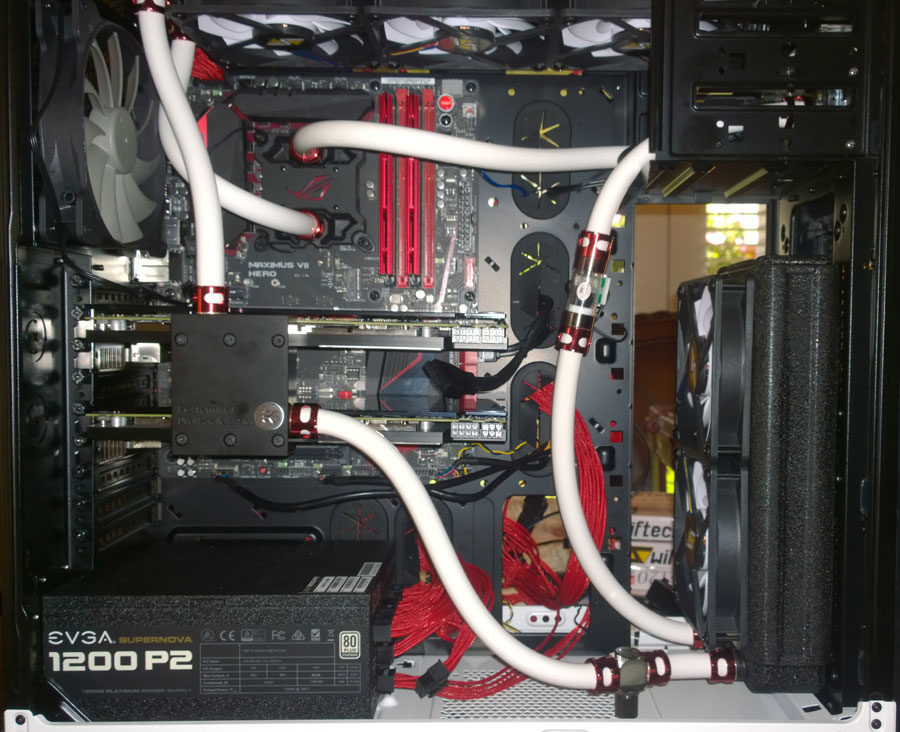
ASUS ROG Maximus Hero VII
G.Skill Trident 16 GB DDR3 @ 2407 MHZ
Intel i7-4790K @ 4.6 GHz
2 – ASUS R9 290 Direct CU II – Water-cooled blocks and back plates by EKWB
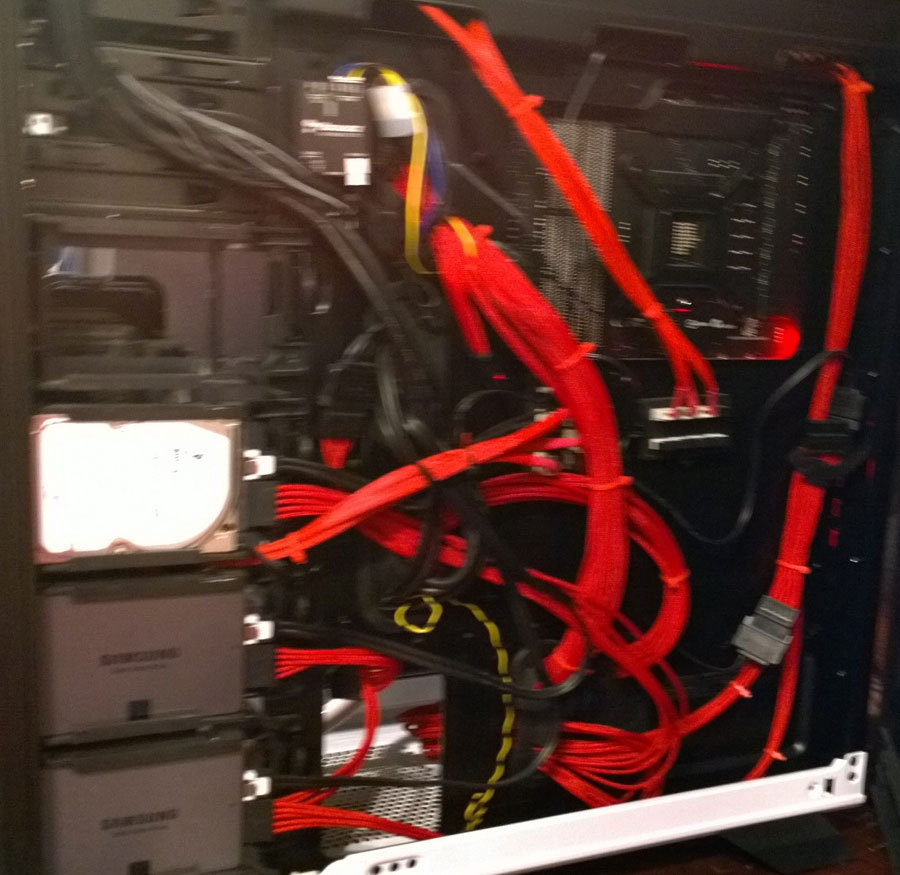
EVGA 1200 P2 Power Supply with Sleeved cables
2 – Samsung 840 EVO 250GB
1 – Seagate SSHD 1TB
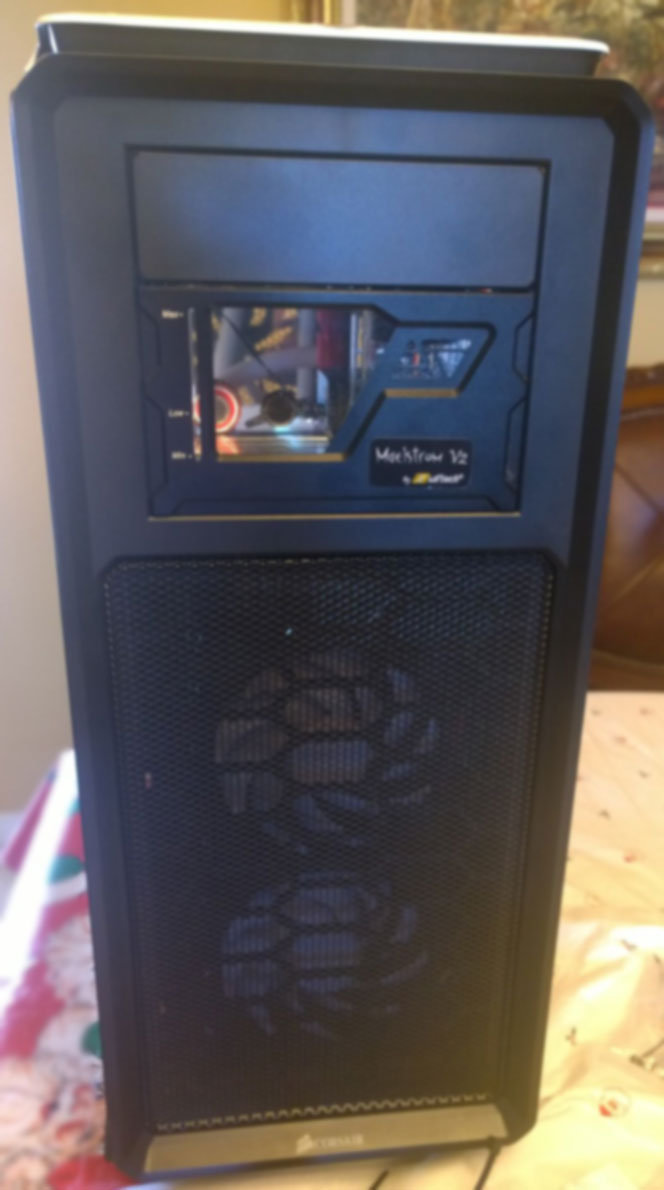
Corsair Graphite Series 760T Arctic White
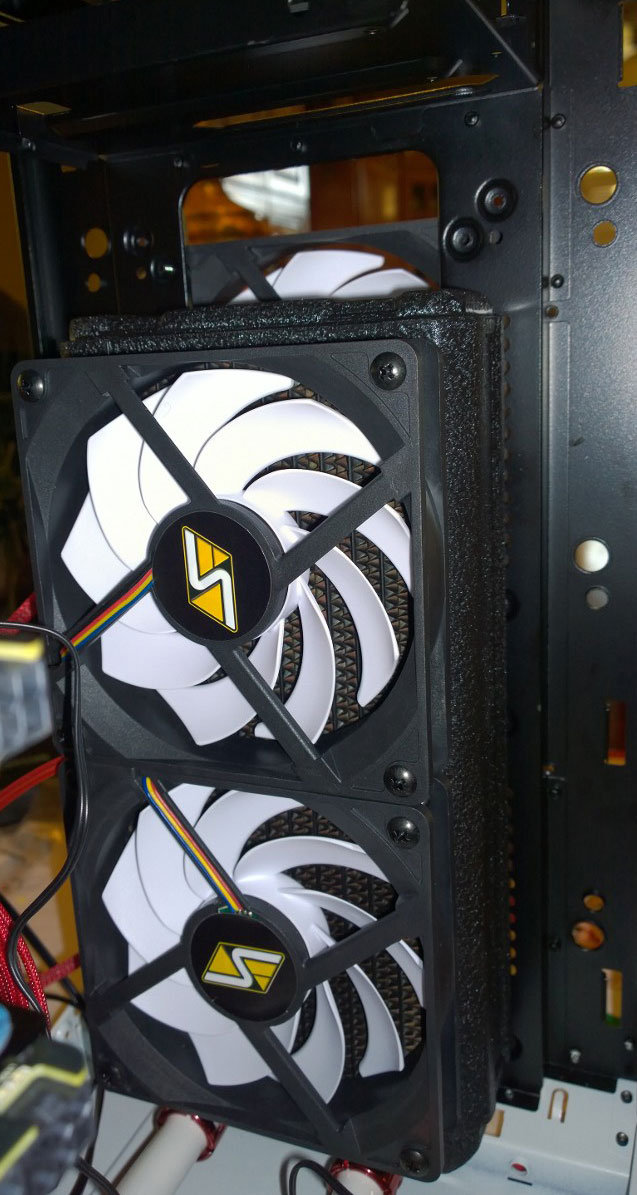
Swifttech Maelstrom V2 5 1/4” Bay Reservoir/Pump
360 Radiator up top
240 Radiator Up Front
8 – Swifttech 120 fans
readerrigs_1_1
readerrigs_1_2
readerrigs_1_3
readerrigs_1_4

-END-

Tagged With: Computer Hardware, This Site

Reader Interactions

Comments

  1. BjornZ says

    March 3, 2016, 14:38(EST) at 14:38

    That is a nice computer. Good work!

Primary Sidebar

Popular Articles

Windows 10

Tweaking Windows 10

My Windows 10 Tweaks

Windows 10 Privacy Settings

Win10 Diagnostics Tracking Service Gone?

Windows 10 Advanced Disk Cleanup

Win10 Customize Installation Options

Windows 10 Dark Theme

Win10 Wallpapers, Graphics, etc.

All Windows 10 Articles

Windows 8

Tweaking Windows 8.1

Advice On Installing Windows 8.1

Clean Install Windows 8.1

Cleanup After Windows 8.1 Upgrade

Create Shutdown, Restart, Logoff Tiles For Windows 8

Tweaking Windows 8

Install Windows 8 – Clean Install With Upgrade Media

Install Windows 8 – Upgrade

Windows 8 – Cleaning Up After You’ve Upgraded

Windows 8 Freeware Machine

Windows 8 SSD Settings, Etc.

How To Resize Your Windows 8 Partition

Create Windows 8 Recovery Media

Windows 8 – Elevated Command Prompt

How To Fix The Windows Bootloader

Windows 7

Installing Windows 7

Tweaking Windows 7

Windows 7 Diagnostics Tracking Service

The Windows 7 Freeware Machine

The Windows 7 Pagefile And Running Without One

Bad Tweaks

SSD Tweak Guide (sort of)

The noguiboot (no GUI Boot) Tweak

NtfsMemoryUsage=2 Tweak

More Windows 7 articles here.

Windows Vista

Installing Windows Vista

Tweaking Windows Vista

More Windows Vista articles here.

Windows XP

eXPired - The Last Windows XP Guide You'll Ever Need

The Right Way To Install Windows XP

Super XP Tweaking Guide

The Freeware XP Machine

Bad Tweaks

More XP Articles here and here.

Backup

Backup Article Greatest Hits – Vol. 1

Other

Cataloging Your Music Collection

Finding Good Album Art

Converting Vinyl Records To Digital Music – A Non-Audiophiles Guide

Windows All-In-One Recovery Flash Drive

SSD Tweak Guide (sort of)

Raidmax Blackstorm Case Review

Disk Partitioning

Ditch Those CD's! A Guide To Using USB Flash Drives

Checking Your Disks For Problems

Bad Tweaks

More articles here

Tags

Android Backup Beer Computer Hardware Computer News Cool Tools Freeware How-To's Linux Off Topic openSUSE Playlists Privacy Security Software This Site vacation Veterans Windows 7 Windows 8 Windows 10 Windows 11 Windows Vista Windows XP

TweakHound - Optimize Your Computing Experience! TweakHound - Optimize Your Computing Experience!

Copyright 2002-2025 by Eric Vaughan All material contain here is the property of the materials owner. Windows, Windows XP, Windows Vista, Windows Seven, Windows 8, Windows 10, Windows 11, Microsoft, and all associated logos are trademarks/property of Microsoft. You may not use or copy any material from tweakhound.com without expressed written permission. Hotlinking to any material within this site is forbidden. Privacy Policy