 Upgrading to Windows 8.1 leaves behind files that you can optionally clean up after install. [Read more…] about Cleanup After Windows 8.1 Upgrade
Windows
Preliminary Notes – Installing Windows 8.1
I’ve now upgraded 4 machines to Windows 8.1.
3 desktops, 1 laptop. (2 triple boot, 2 dual boot)
Here are my early notes. [Read more…] about Preliminary Notes – Installing Windows 8.1
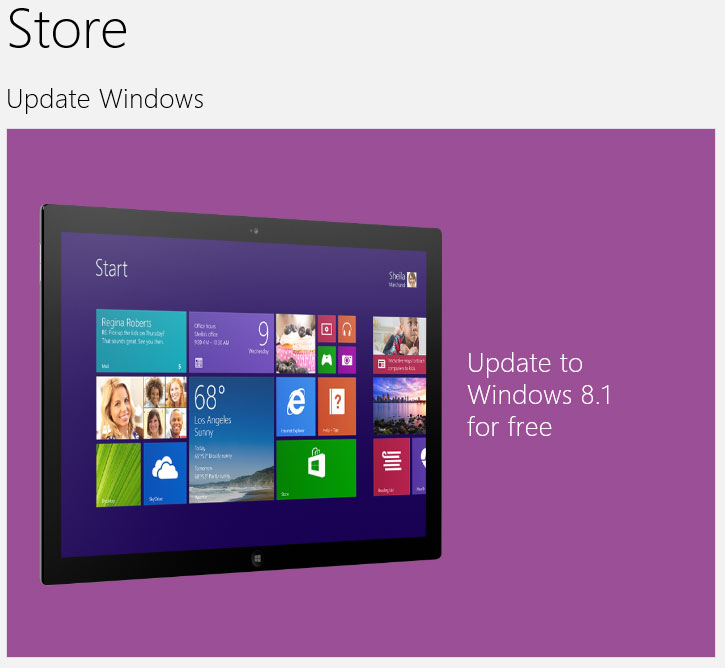
Windows 8.1 Available In The Store
 Updating. More later..
Windows 8.1 SkyDrive Options
 SkyDrive has been a part of Windows 8 from the beginning. It has been put front and center in Windows 8.1. [Read more…] about Windows 8.1 SkyDrive Options
Create Shutdown, Restart, Logoff Tiles For Windows 8
 There are a couple of ways to create these tiles but I thought y’all might enjoy this.
[Read more…] about Create Shutdown, Restart, Logoff Tiles For Windows 8
Prepare For Windows 8.1
Windows 8.1 will be released this week. I’ve prepared a few notes & tips to help you prepare.
[Read more…] about Prepare For Windows 8.1
Windows 8.1 – View Libraries In Explorer
 Windows 8.1 removed Libraries from the navigation pane in explorer. Here is how to get it back.
(note – This guide will become part of the upcoming revision of Tweaking Windows 8)
[Read more…] about Windows 8.1 – View Libraries In Explorer
Microsoft Says They Are Serious About Microsoft Antimalware
 The Security Essentials is designed to be bottom of the antivirus rankings story broke 2 weeks ago.
In response, Microsoft states: Our commitment to Microsoft antimalware.
Source: Mark Russinovich via Twitter
We are fully committed to protecting our consumer and business customers from malware. Our strong solutions provide the comprehensive defense needed against malicious code and attacks. Our support of antimalware partners helps in building a strong and diverse ecosystem to fight malware…We believe in Microsoft antimalware products and strongly recommend them to our customers, to our friends, and to our families.
Windows Update Cleanup For Windows 7 And Windows 8
 Windows 8 disk cleanup introduced a new cleanup option called Windows Update Cleanup.
Yesterdays Windows updates included an update to add this option to Windows 7.
This cleanup option can regain you significant disk space in Windows 7 and Windows 8 will benefit as updates pile up.
This article will show you how to use this option in both Windows 7 and 8.
[Read more…] about Windows Update Cleanup For Windows 7 And Windows 8
Time To Run Windows Update
 Updates available for XP through 8.1 and Office 2003 through 2013.
Microsoft Security Bulletin Advance Notification for October 2013